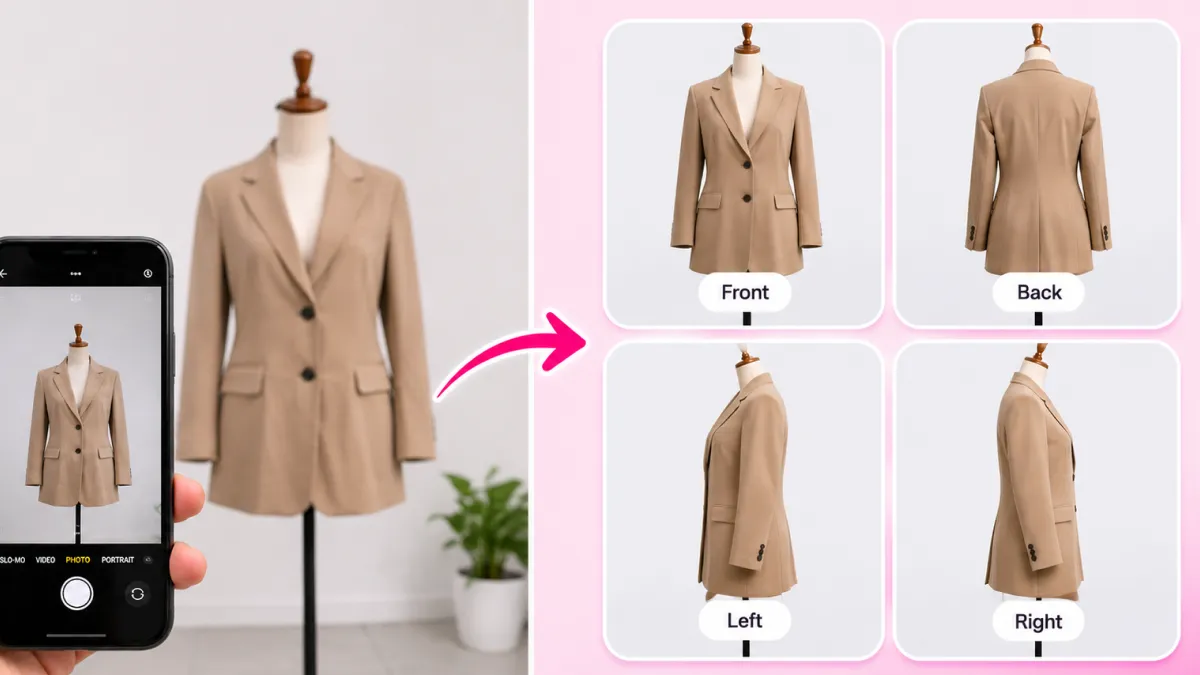
Apparel founders often ask the wrong question. They debate whether they should shoot their collections on live models or ghost mannequins.
Top-performing fashion brands never pick one over the other. They always use both styles on the exact same product page.
Model photos spark emotional desire. Ghost mannequin shots provide objective proof of fit and tailoring.
With SocialShot AI Studio on Shopify, you can create both visual styles from a single product photo without expensive model bookings or studio rentals.
How It Works: From Flat Lay to 100+ Studio Poses
Transform flat lays, hanger photos, or single model shots into a complete multi-angle commercial lookbook in under 2 minutes.
Upload Raw Photo
Snap a smartphone flat lay, hanger photo, or single model shot on any background.
Select Poses & Models
Pick from 100+ natural poses, diverse photorealistic models, and editorial studio lighting angles.
Export 4K Lookbook
Download high-res assets formatted for Shopify galleries (1:1), Meta feeds (4:5), and TikTok (9:16).
The Psychology of Apparel Shopping: Emotion vs. Logic
Online clothing purchases happen in two mental phases. Shoppers buy with emotion, but they justify the purchase with logic.
Model photos capture emotional desire. A customer sees a stylish model and imagines wearing the trench coat on a night out.
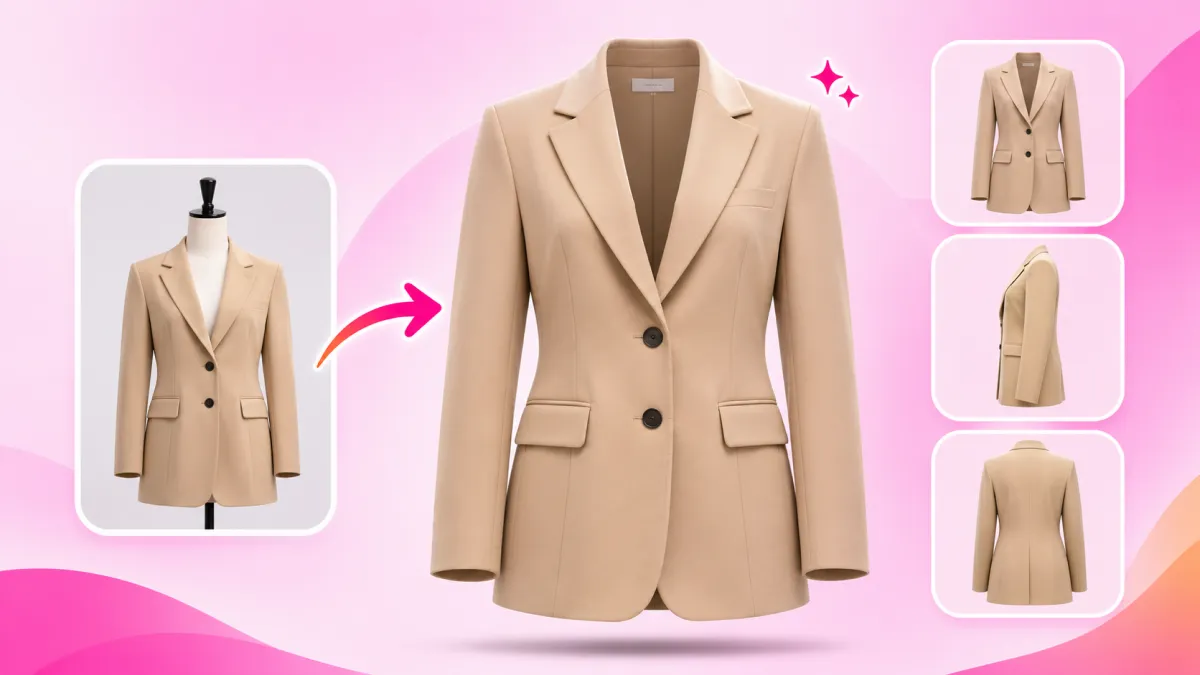
Ghost mannequins satisfy rational inspection. Buyers want to inspect collar shape, seam lines, and pocket placement without human poses getting in the way.
Using only models creates body-type confusion. Using only mannequins makes clothing look cold and clinical.
Key Takeaways: The Power of Both Formats
- Emotion hooks the buyer: On-model photos deliver lifestyle appeal and styling inspiration.
- Logic closes the checkout: 3D ghost mannequin cutouts prove exact cut, collar depth, and fabric weight.
- Fewer fit disputes: Shoppers inspect true silhouette lines without a model's body shape misleading them.
- Complete buyer trust: Combining both styles gives online shoppers the certainty of an in-store fitting room.
The Proven 7-Image Product Page Blueprint
High-converting Shopify stores do not arrange their galleries by accident. They follow a clear 7-image sequence that guides buyers toward checkout.
Here is the proven gallery blueprint used by industry-leading apparel brands.
Why Image 2 Must Be a Ghost Mannequin
After the emotional hook in Image 1, buyers want immediate clarity. Placing a clean 3D ghost mannequin shot second lets them see true proportions instantly.
Why Detail Shots Validate High Prices
Close-up macro shots of buttons, seams, and fabric grain prove craftsmanship. This justifies higher prices and prevents cart abandonment.
| Image Slot | Visual Style | Angle & Setup | Core Buyer Goal |
|---|---|---|---|
| Image 1 (Hero) | On-Model Editorial | Full-body lifestyle pose | Captures initial attention and shows styled outfit |
| Image 2 | Ghost Mannequin | Front View on Pure White (#FFFFFF) | Shows clean 3D silhouette without human bias |
| Image 3 | Ghost Mannequin | Three-Quarter (3/4) Dynamic | Displays depth, fabric movement, and side drape |
| Image 4 | Ghost Mannequin | Back View | Inspects spine seam, rear yoke, and hemline drop |
| Image 5 | Detail / Macro | Extreme close-up zoom | Validates fabric weave, button stitch, and zipper quality |
| Image 6 | On-Model Movement | Walking or secondary pose | Demonstrates how the garment moves in real life |
| Image 7 | Packaging / Lay Flat | Clean pack shot or dimensions | Confirms packaging quality and sizing measurements |
Why On-Model Photos Alone Cause Return Spikes
Many boutique founders rely entirely on model photos. While these shots look stunning on Instagram, they often cause high return rates on product pages.
When shoppers see a tall, slim professional model wearing a size Small, they struggle to picture the garment on their own frame.
Shoppers assume the clothing will drape identically on them. When the package arrives, fit mismatches lead directly to returns.
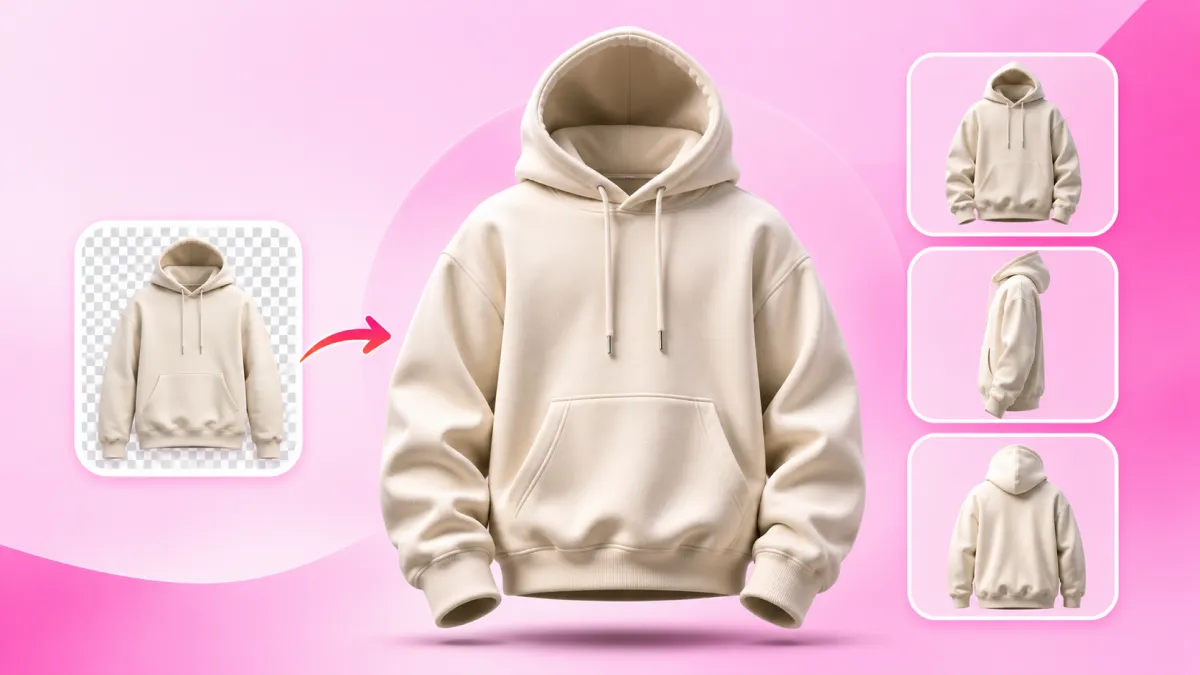
Ghost mannequin cutouts solve this problem. They show the neutral, anatomical cut of the cloth on an invisible frame so anyone can evaluate the fit.
How AI Makes Both Visual Formats Fast and Affordable
In the past, producing both model and ghost mannequin photos required two separate shoots. You had to book models, pay lighting crews, and then pay clipping path agencies for manual neck joints.
SocialShot eliminates all that production friction. You can create both formats from a single smartphone photo.
Use our AI Fashion Model Generator to generate diverse, realistic on-model editorial imagery.
Then open our AI Ghost Mannequin tool to turn that same garment into 3D hollow shots across 6 angles.
Helpful Creative Tools on SocialShot
- Want multiple model poses from one photo? Try our Free AI Pose Changer.
- Converting phone flat lays to on-model shots? Use our AI Flat Lay Clothing Tool.
- Need clean contact shadows under cutouts? Use the Free AI Shadow Maker.
- Explore our entire suite of creative e-commerce tools.
3 Rules for Perfect Shopify Gallery Synchronization
To keep your store looking professional, your model and mannequin photos must match visually.
Follow these three rules when uploading images to your Shopify theme.
Rule 1: Match your color temperature — Make sure your model shots and ghost mannequin cutouts share identical fabric tones. If a navy blazer looks deep blue on the model, it must not look purple on the mannequin.
Rule 2: Keep aspect ratios consistent — Standardize on 1:1 square or 4:5 vertical ratios across every image in your gallery. Mixing horizontal and vertical images creates jarring layout shifts when shoppers swipe.
Rule 3: Use Pure White for catalog feeds — Use #FFFFFF pure white backgrounds for your ghost mannequin shots so you pass Google Shopping and Amazon feed requirements without warnings.
Frequently Asked Questions
Why should I use both model photos and ghost mannequin shots?
Model photos create emotional desire, while ghost mannequin shots give buyers objective fit inspection. Using both together maximizes conversions and cuts returns.
What is the best order for clothing photos in a Shopify gallery?
Start with an on-model hero shot. Follow with front, three-quarter, and back ghost mannequin views, then close-up fabric details, and finish with a movement model pose.
Can I generate both styles from a single garment photo?
Yes. With SocialShot, you can take one smartphone photo of your clothing and generate photorealistic on-model shoots as well as 3D ghost mannequin cutouts.
Do ghost mannequin images help reduce returns?
Yes. Ghost mannequins display true garment volume, shoulder drop, and waist tapering without human body shapes hiding the fit.
How does SocialShot AI Studio connect to Shopify?
SocialShot installs directly into your Shopify admin, allowing you to generate multi-angle galleries and update your live listings in just a few clicks.
Final Thoughts
High-converting apparel brands do not choose between models and ghost mannequins. They use models to inspire emotion and ghost mannequins to prove quality.
Following the 7-image gallery blueprint gives your shoppers the confidence to click checkout.
Stop paying thousands for separate studio shoots. Install SocialShot AI Studio on Shopify or try our free AI Ghost Mannequin tool to upgrade your store today.
Explore Free Creative AI Tools on SocialShot
Boost your store conversions with our free browser-based tools:
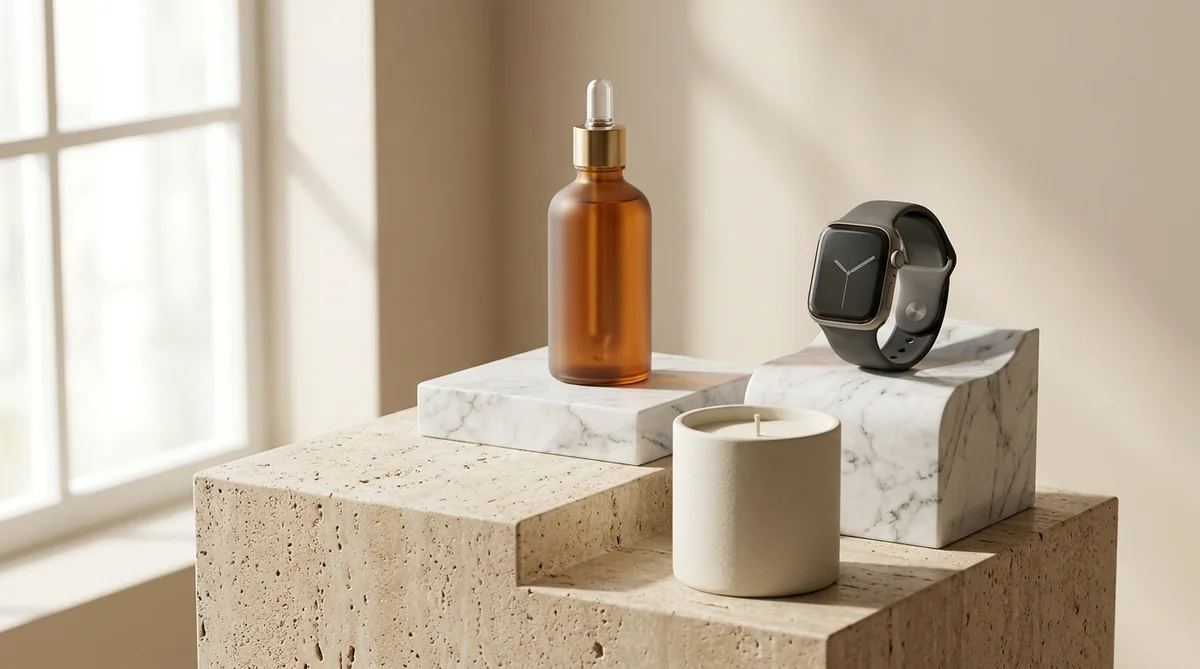
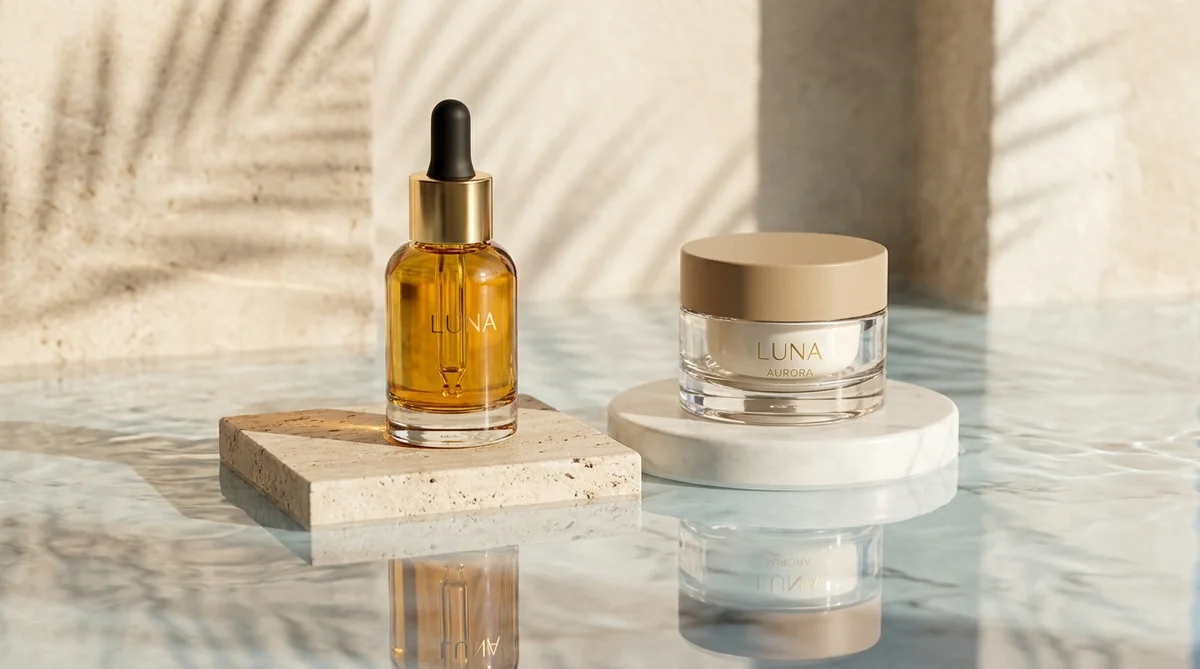
Studio-grade product shots with 23+ camera angles, marble pedestals, and natural lighting.
Turn 1 fashion photo into 100+ high-fashion poses and multi-angle catalog lookbooks.
Dress diverse, photorealistic AI fashion models with zero expensive photoshoots.
Generate physics-accurate contact and drop shadows for transparent product cutouts.