Free AI Image ExtenderAIImageExtender Beyond Any Frame
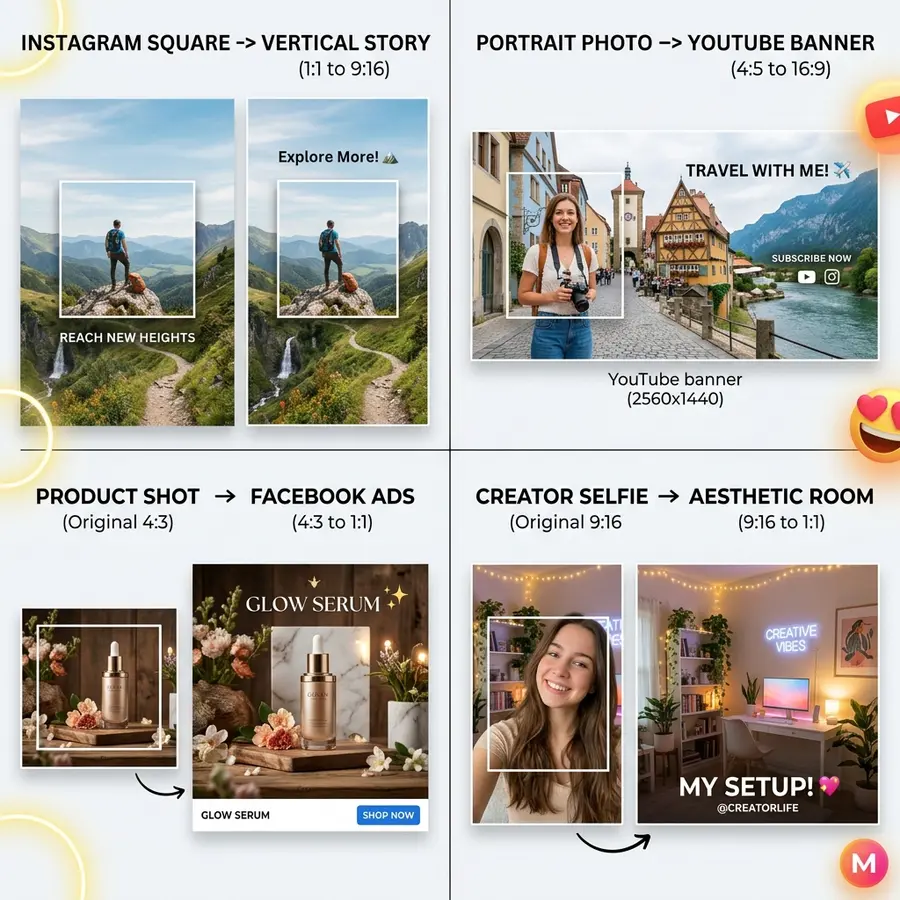
Use AI Outpainting to expand photos in any direction. Turn vertical stories into widescreen banners, add breathing room to portraits, and extend scenes seamlessly.
Seamless texture matching · Expand 16:9, 9:16, 1:1, 4:5 · Zero blur or seam lines
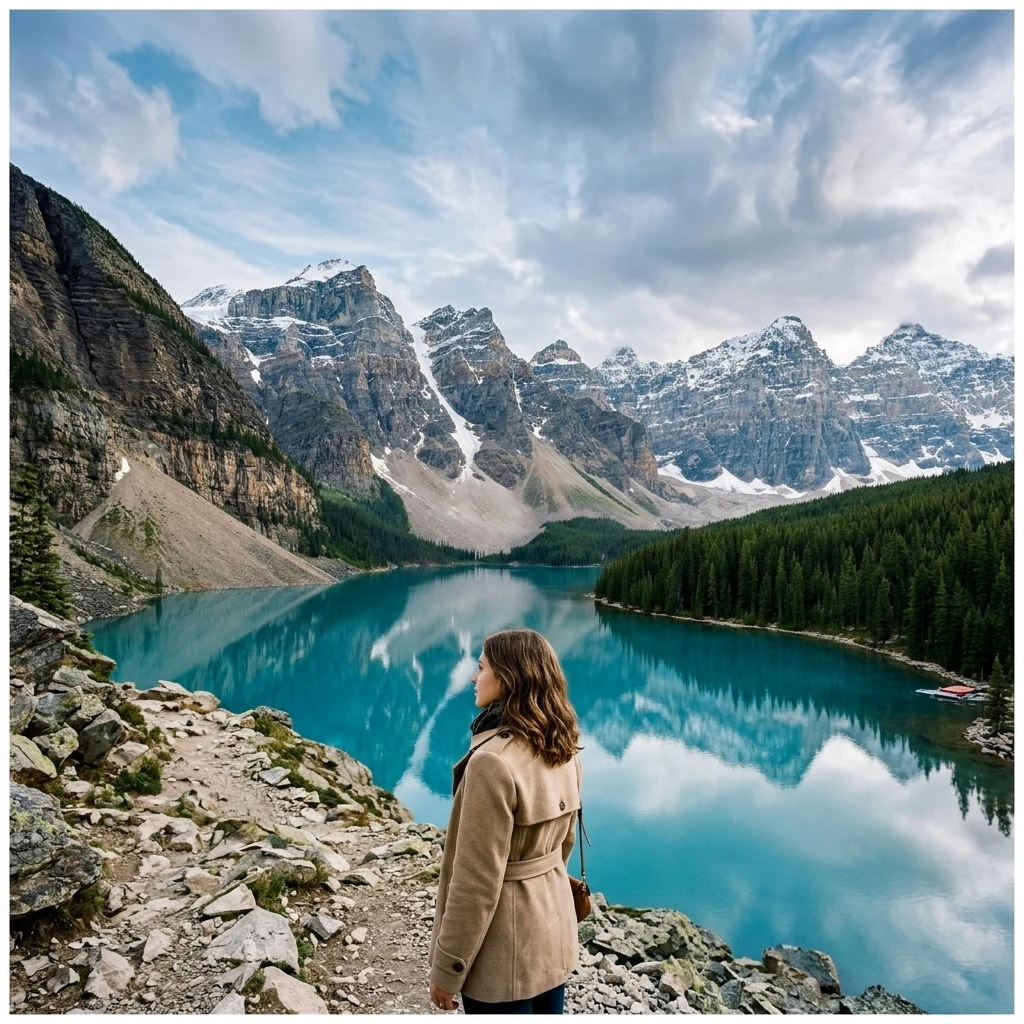
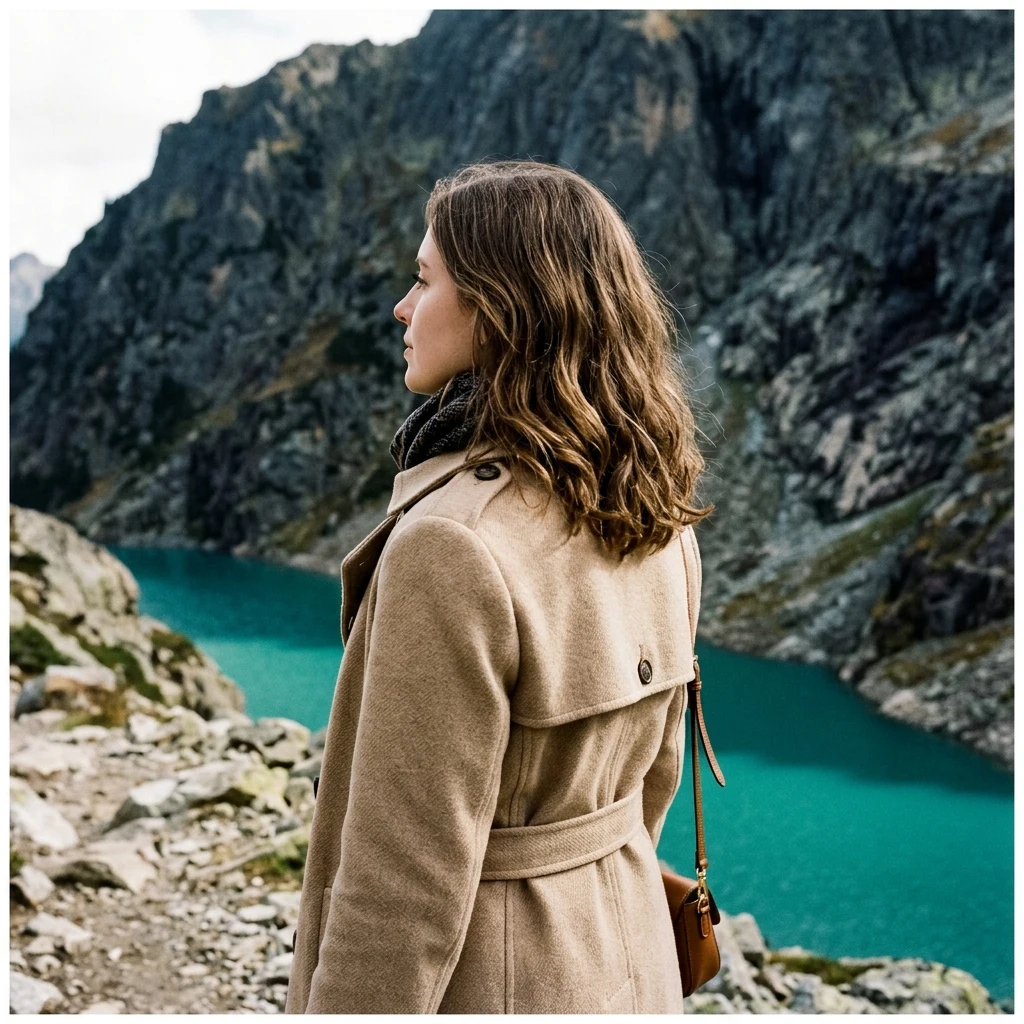
Before
After
Supports: PNG, JPG, JPEG, WEBP
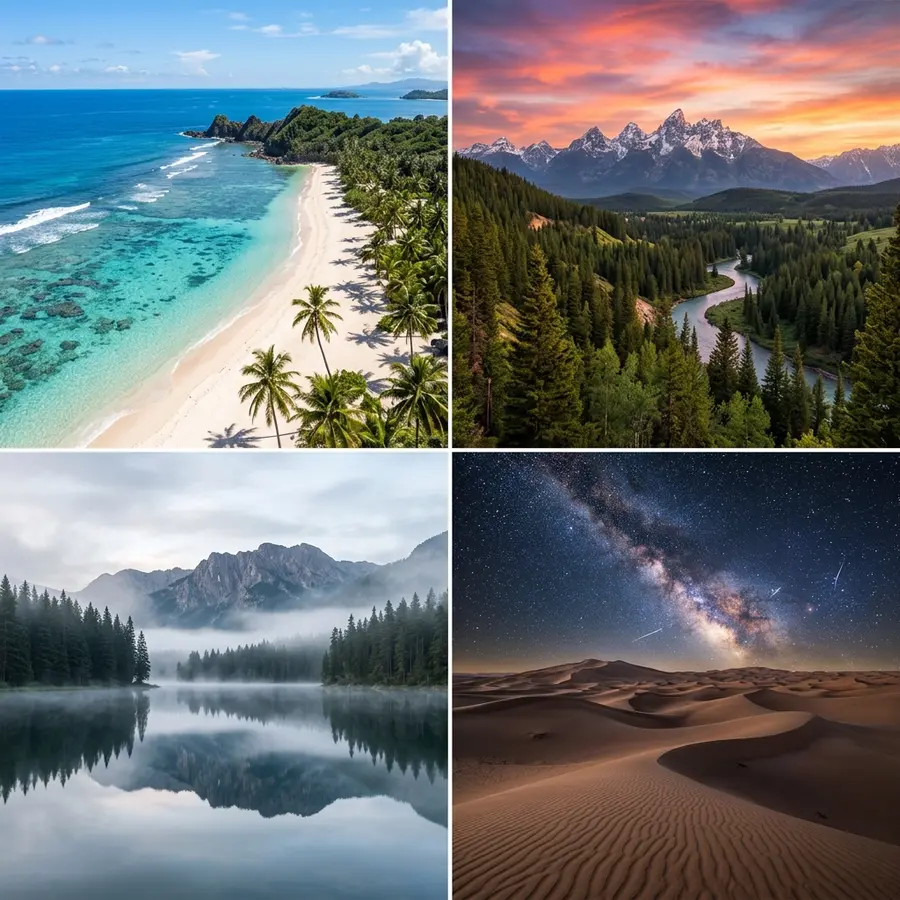
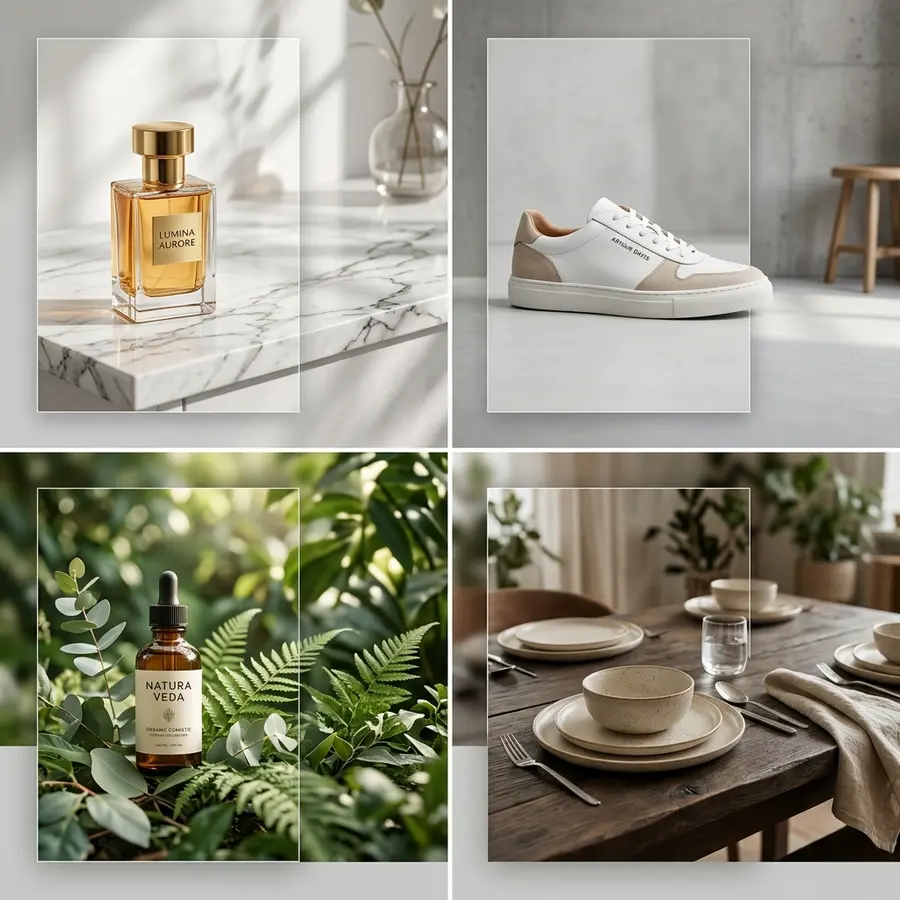
No Image? Try one of these
5K+
Creators & Businesses
2M+
Images Generated
100+
AI-Powered Tools
4.9
User Rating
How It Works
Easy to get started
Generative canvas expansion in seconds.
1
Upload Your Image
Upload the photo you want to expand or change aspect ratio for.
2
Choose Target Aspect Ratio
Select 16:9, 9:16, 4:5, 1:1, or drag the canvas handles freely in any direction.
3
Generate Expanded Scene
AI hallucinates context-aware background extensions matching lighting and perspective.
Feature
Why Use SocialShot?
Paints seamless continuation of textures, lighting, and horizon lines.
Multi-Directional Expansion
Expand left, right, top, bottom, or symmetrically in all directions at once.
Context-Aware Scene Synthesis
Analyzes existing architecture, foliage, skies, and furniture to continue patterns naturally.
Seamless Lighting & Gradient Match
Blends shadows, exposure, and color gradients with zero noticeable border seams.
Instant Social Aspect Ratio Reformat
Turn square product photos into 16:9 website banners or 9:16 vertical TikTok stories.
Perspective & Depth Preservation
Maintains vanishing points and camera lens perspective across extended areas.
High-Resolution Output
Full resolution rendering without tiling artifacts or pixelation.
Built for Everyone
Who is it for?
For marketers, designers, and creators who need photos in different formats.
Marketing Teams
Adapt a single campaign image into website banners, billboard ads, and story ads.
Social Media Managers
Convert tight portrait shots into wide YouTube thumbnails and cover banners.
E-Commerce Brands
Add breathing space around cropped product photos for uniform grid alignment.
Photographers & Artists
Fix poorly framed shots and uncrop cramped compositions with realistic backgrounds.
Use Cases
Expand Any Composition
Hero & Web Banners
Convert square photos to wide widescreen banners.
Generate left and right margins to leave clean space for headline copy and CTA buttons.
Thousands of creators, marketers, and businesses use AI to create social content faster and keep their brand looking professional.
"A faster workflow from idea to post"
I used to write with ChatGPT and design in Canva. SocialShot combines both into one workflow and saves me time on every single post.
Bertha
Co-founder
"I can create a week of posts in one sitting."
I used to spend hours designing social media posts. Now I describe what I need, generate a few variations, and pick the one I like.
Rafiul Hasan
Content Creator
"It makes social content so much easier."
I don't have a design background, but SocialShot helps me create professional-looking posts without learning complicated design tools.
Priya Nair
Business Owner
"From idea to post in minutes."
The best part is that I don't need to figure out prompts or layouts. I just explain the idea and SocialShot does the creative work.
Jonas Weber
SaaS Founder
"My posts finally look consistent."
I added my brand colors and logo once, and now I can create social visuals that actually feel like they're part of the same brand.
Lena Fischer
Brand Consultant
"Perfect for quick campaign creatives."
When we launch a promotion, I can create multiple social designs in minutes instead of starting every post from scratch.
Omar Al-Mansouri
Marketing Consultant
"I stopped worrying about the blank canvas."
SocialShot gives me a starting point every time. I can quickly turn an idea into something polished and ready to publish.
Ashley Morgan
Online Educator
"Everything I need for social content, in one place."
SocialShot helps me create professional social media posts without switching between multiple design tools. I can turn an idea into polished, ready-to-publish visuals in minutes.
Jordan Reyes
Freelance Marketer
"Looks like I hired a designer. I didn't."
My carousels used to look like everyone else's. Now they actually stop the scroll. Three clients have asked who made them.
Sophie Clarke
Marketing Manager
FAQ
Frequently Asked Questions
AI should make your work easier, not give you another tool to learn. SocialShot turns complicated AI workflows into simple tools that anyone can use.
Last updated:
Explore More
Related AI Tools You Might Like
Explore complementary AI tools to streamline your creative workflow.