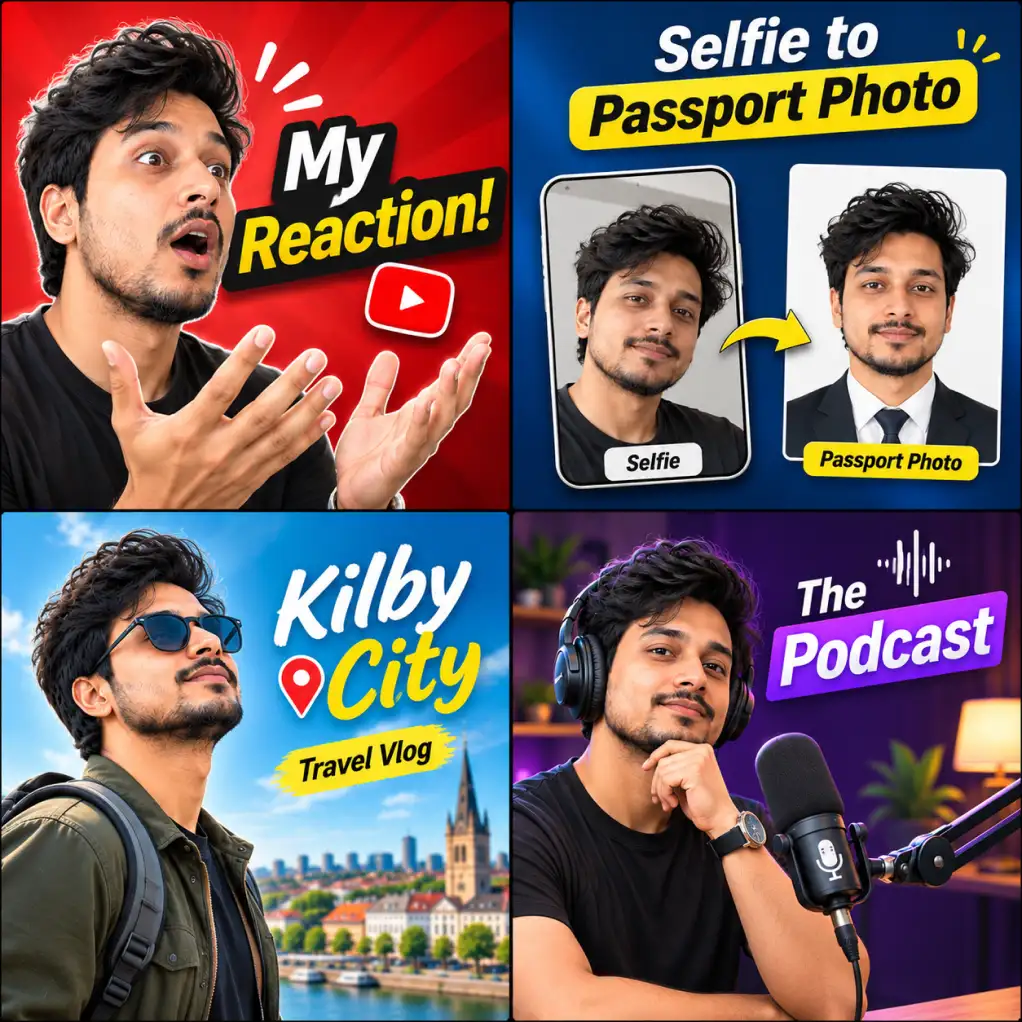
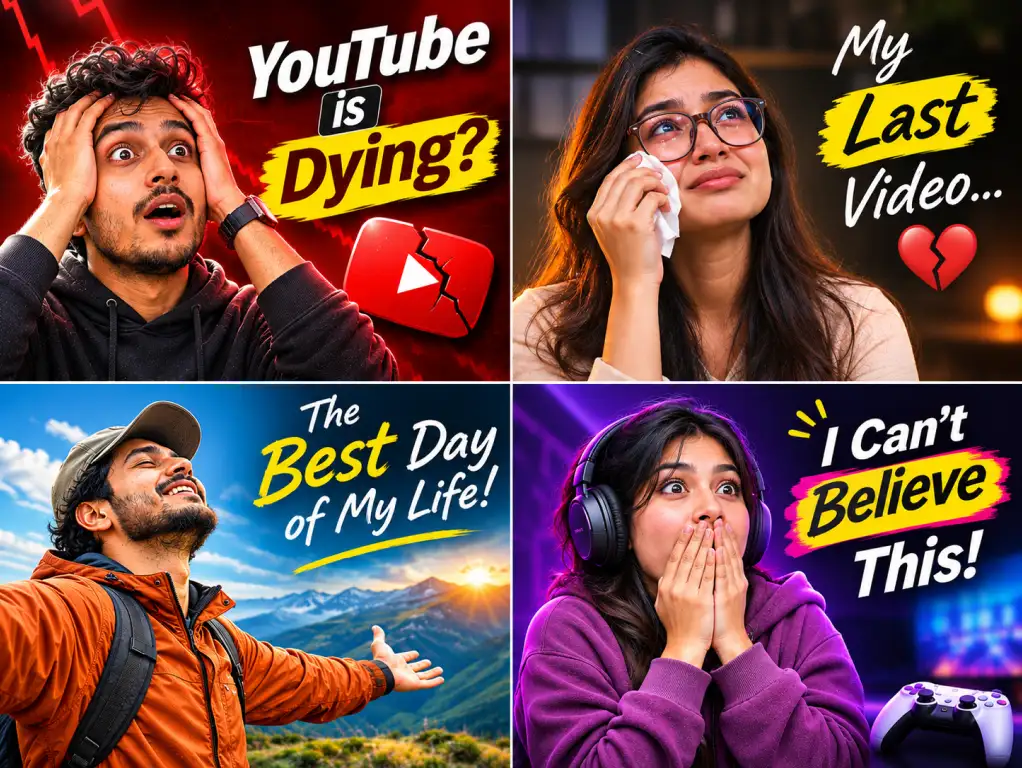
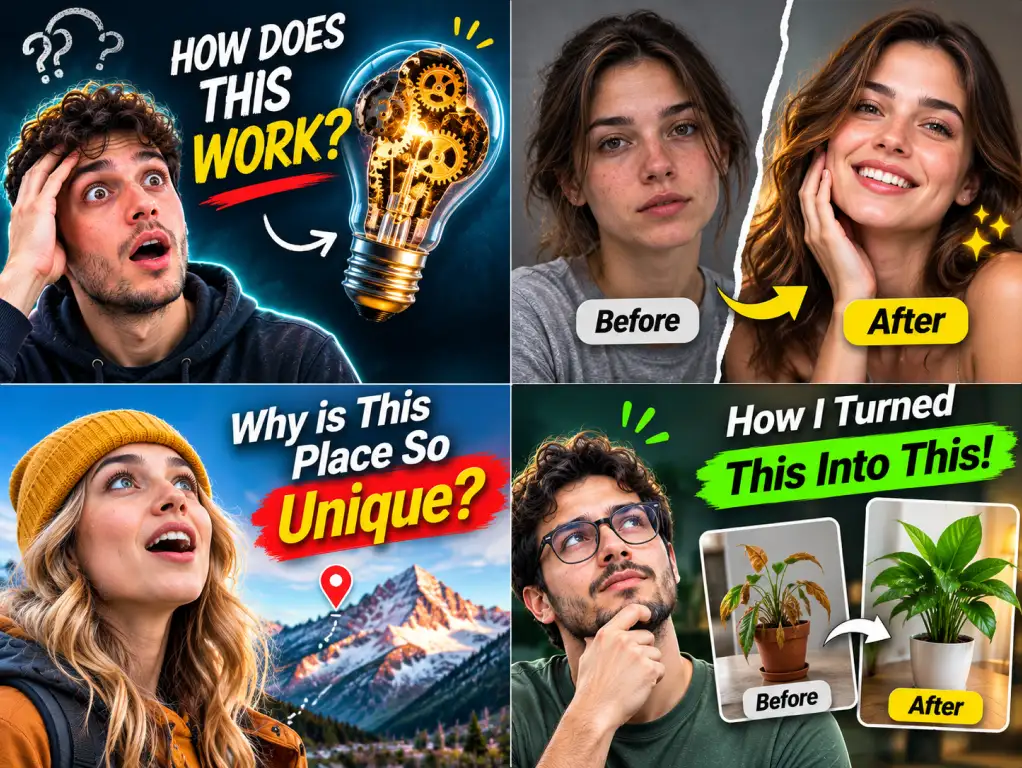
Free AI YouTube ThumbnailAIYouTubeThumbnail Generator for High-CTR Videos
Turn your video hook or creator photo into click-worthy YouTube thumbnails in seconds. Boost your click-through rates with bold typography, expressive faces, and viral layouts.
11 creator-tested styles · High-contrast typography · Built for maximum CTR
Before
After
Supports: PNG, JPG, JPEG, WEBP
No photo yet? Try one of these
5K+
Creators & Businesses
2M+
Images Generated
100+
AI-Powered Tools
4.9
User Rating
How It Works
Easy to get started
No complicated design tools, complex masking, or endless layers. Just enter your video hook, and let AI do the creative work.
1
Add Your Video Hook & Copy
Enter your video title, short headline hook, or upload a creator selfie, product image, or gameplay scene.
2
Choose Style & Format
Pick from 11 viral thumbnail styles — Reaction, Big Text, Before–After, Curiosity, or Branded — and choose your aspect ratio.
3
Generate & Download
AI balances focal lighting, depth of field, and punchy typography. Download your 1280×720 thumbnail ready for YouTube.
Feature
Why Use SocialShot?
Create click-worthy video thumbnails while keeping your subject, typography, and visual hierarchy optimized for maximum click-through rate.
Big, High-Contrast Typography
Bold, punchy text treatments designed specifically for small mobile screens and fast YouTube feed scrolling.
11 Creator-Tested Styles
From high-energy Reaction and curiosity hooks to minimal luxury and podcast layouts, pick the style that fits your channel.
Expressive Face Realism
Upload a casual selfie or portrait and let AI apply dramatic lighting, background separation, and expressive punch.
Before & After Transformations
Instantly create dramatic split-screen comparisons that clearly show makeovers, upgrades, and case studies.
One-Click Brand Consistency
Apply your channel brand colors, custom font vibes, and logos across every video thumbnail effortlessly.
Multi-Platform Formats
Export in standard 16:9 for YouTube, 9:16 for Shorts & TikTok covers, or 1:1 square for podcasts and social feeds.
Built for Everyone
Who is it for?
Built for Anyone Who Needs Higher Video Views & CTR
YouTube Creators & Vloggers
Stop spending 2 hours in Photoshop. Create high-CTR thumbnails for gaming, vlogs, tech reviews, and challenges in minutes.
Podcasters & Interview Shows
Design polished episode covers and clip thumbnails that highlight guests, provocative questions, and discussion hooks.
Growth Marketers & Video Teams
Generate multiple visual variations for webinar covers, video ads, and product launch announcements quickly.
Educators & Course Creators
Make complex lessons, tutorials, and masterclasses look professional, credible, and instantly clickable.
Use Cases
Create Thumbnails for Every Video Genre
Reaction & Emotion
Turn simple selfies into viral thumbnail hooks.
Expressive face-led compositions with high contrast and dramatic lighting that capture instant human attention in crowded feeds.
Upload any casual selfie or webcam snapshot
AI enhances facial expression and studio lighting
Clean background cutout with depth of field
Add punchy 2-4 word hook text with maximum contrast
Thousands of creators, marketers, and businesses use AI to create social content faster and keep their brand looking professional.
"A faster workflow from idea to post"
I used to write with ChatGPT and design in Canva. SocialShot combines both into one workflow and saves me time on every single post.
Bertha
Co-founder
"I can create a week of posts in one sitting."
I used to spend hours designing social media posts. Now I describe what I need, generate a few variations, and pick the one I like.
Rafiul Hasan
Content Creator
"It makes social content so much easier."
I don't have a design background, but SocialShot helps me create professional-looking posts without learning complicated design tools.
Priya Nair
Business Owner
"From idea to post in minutes."
The best part is that I don't need to figure out prompts or layouts. I just explain the idea and SocialShot does the creative work.
Jonas Weber
SaaS Founder
"My posts finally look consistent."
I added my brand colors and logo once, and now I can create social visuals that actually feel like they're part of the same brand.
Lena Fischer
Brand Consultant
"Perfect for quick campaign creatives."
When we launch a promotion, I can create multiple social designs in minutes instead of starting every post from scratch.
Omar Al-Mansouri
Marketing Consultant
"I stopped worrying about the blank canvas."
SocialShot gives me a starting point every time. I can quickly turn an idea into something polished and ready to publish.
Ashley Morgan
Online Educator
"Everything I need for social content, in one place."
SocialShot helps me create professional social media posts without switching between multiple design tools. I can turn an idea into polished, ready-to-publish visuals in minutes.
Jordan Reyes
Freelance Marketer
"Looks like I hired a designer. I didn't."
My carousels used to look like everyone else's. Now they actually stop the scroll. Three clients have asked who made them.
Sophie Clarke
Marketing Manager
FAQ
Frequently Asked Questions
AI should make your thumbnail creation faster, not give you another complex design tool to learn. SocialShot turns high-converting thumbnail formulas into 1-click results.
Explore More
Related AI Tools You Might Like
Explore complementary AI tools to streamline your creative workflow.