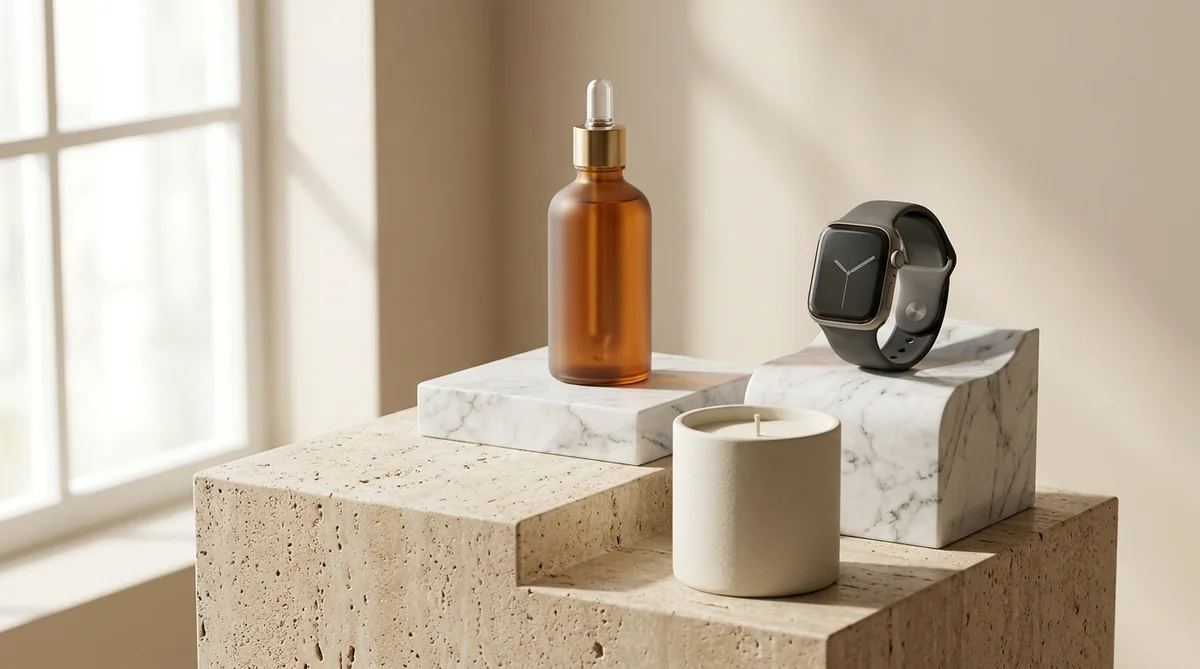
In online retail, your product photography carries the entire weight of your conversion rate. When shoppers browse your Shopify store, they cannot physically pick up an item, inspect its weight, test its material texture, or turn it in their hands. Your photos are the only bridge between buyer skepticism and a completed checkout.
E-commerce consumer research proves that 75% of online shoppers rely heavily on product photos when deciding to buy, and Product Detail Pages (PDPs) featuring robust visual galleries with multi-angle context convert nearly 94% higher than pages with just one or two flat photos.
Yet for years, creating commercial-grade studio photography required booking physical studios, renting lighting gear, and paying commercial photographers thousands of dollars per season. With SocialShot AI Studio on Shopify, that paradigm has shifted forever: you can now create 23 professional studio shot types across 21+ commercial environments directly from your smartphone photos—delivering studio shots without the studio.
How It Works: Studio Shots Without the Studio
Transform ordinary smartphone product photos into luxury commercial studio imagery with zero prompt engineering.
Snap Product Photo
Take a simple photo of your product or bottle on your desk, kitchen counter, or plain backdrop.
Pick Angle & Surface
Choose from 23+ camera angles (Hero, Pedestal, Macro) and 21+ luxury surfaces (Marble, Water, Wood).
Download 4K Catalog Pack
Generate high-resolution commercial assets with physics-accurate lighting, reflections, and contact shadows.
The 5 Essential Shot Types Every Shopify Product Page Needs
Top-performing 7-figure Shopify stores don't upload random angles. They construct an intentional 5-stage visual sequence designed to answer every customer objection before they can bounce:
1. The Hero Clean Studio Shot (Slide 1)
Crisp white or neutral background with diffused softbox lighting. Establishes unambiguous color, shape, and immediate marketplace compliance.
2. The Pedestal / Plinth Shot (Slide 2)
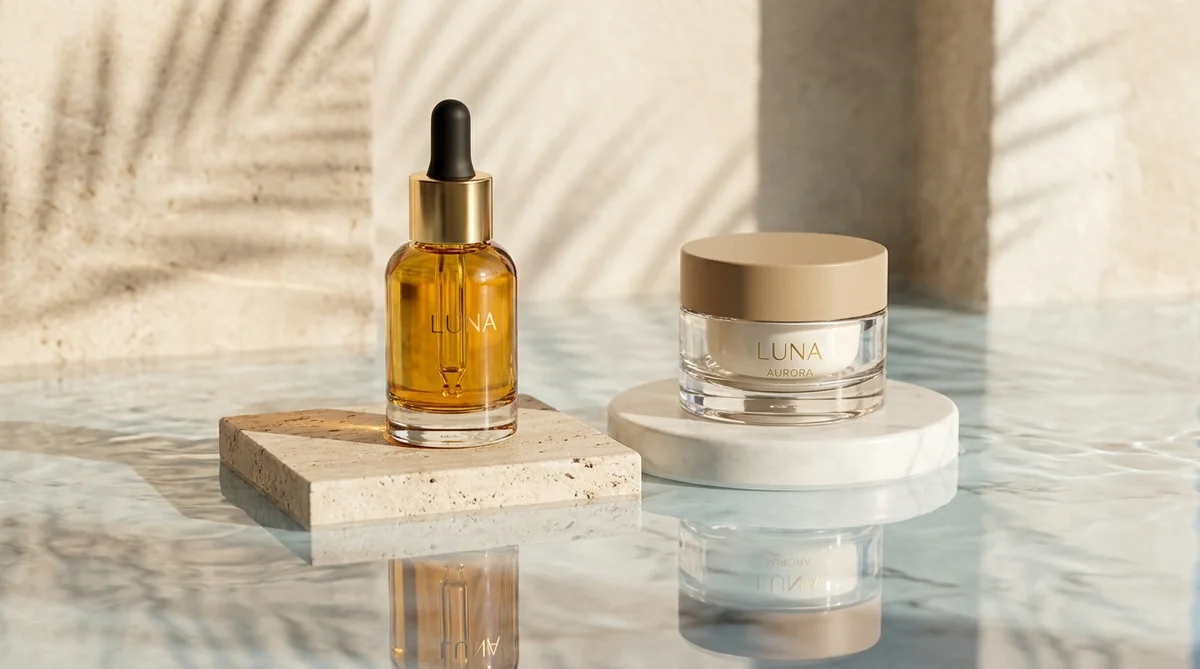
Elevates the product on luxury Carrara marble, travertine stone, or architectural concrete to instantly command higher perceived value.
3. The Macro & Craftsmanship Detail (Slide 3)
Extreme close-up focusing on material grain, metallic hardware, seams, nozzle finishes, or ingredient textures to prove build quality.
4. The Lifestyle In-Context Shot (Slide 4)
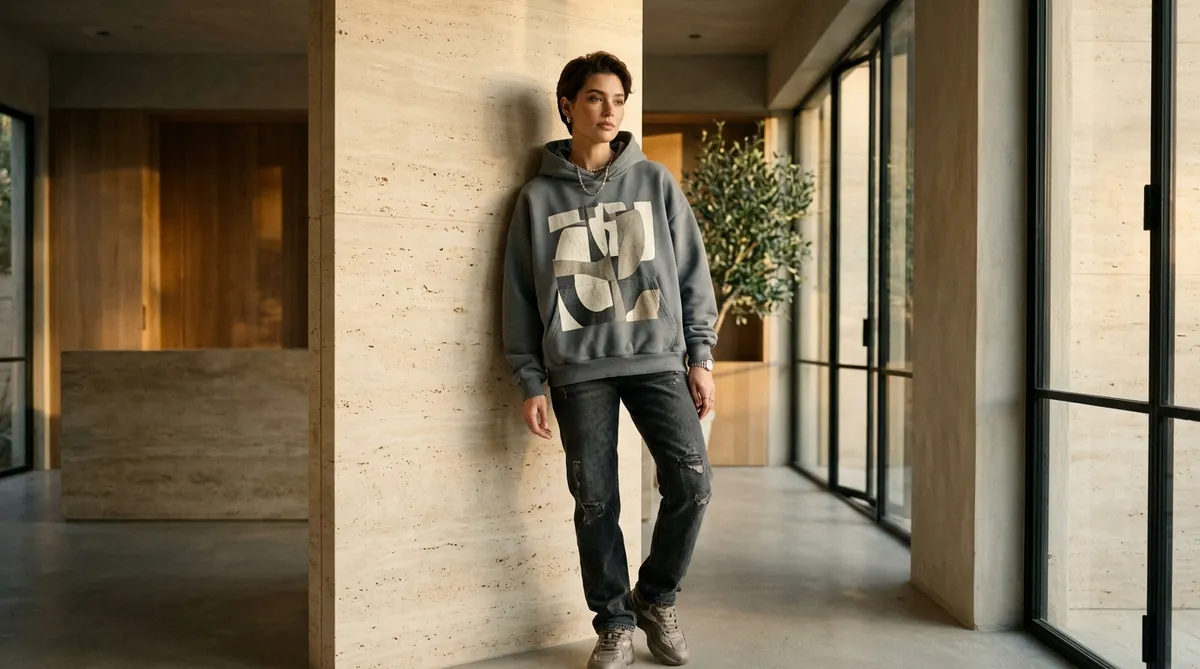
Places the item in its natural habitat—sunlit spa bathrooms for skincare, modern walnut desks for tech, or warm kitchens for cookware.
5. The Product-in-Hand / Scale Shot (Slide 5)
Shows the product held or used by human hands, instantly answering *how big is this in real life?* and eliminating sizing returns.
Beyond Basic Angles: Exploring SocialShot's 23 Camera Presets
Different products demand different emotional compositions. SocialShot features an art-directed library of 23 specialized commercial shot types modeled after Fortune 500 commercial catalogs:
Hero & Pedestal
Central high-impact presentation on marble, wood, or acrylic plinths for collection cards and hero banners.
Floating & Isometric
Gravity-defying 3D suspension and isometric technical perspectives for tech, sneakers, and modern accessories.
Motion & Liquid Splash
Dynamic water splashes, powder bursts, and action effects for beverages, athletic gear, and hydrating cosmetics.
Product Packaging & Bundles
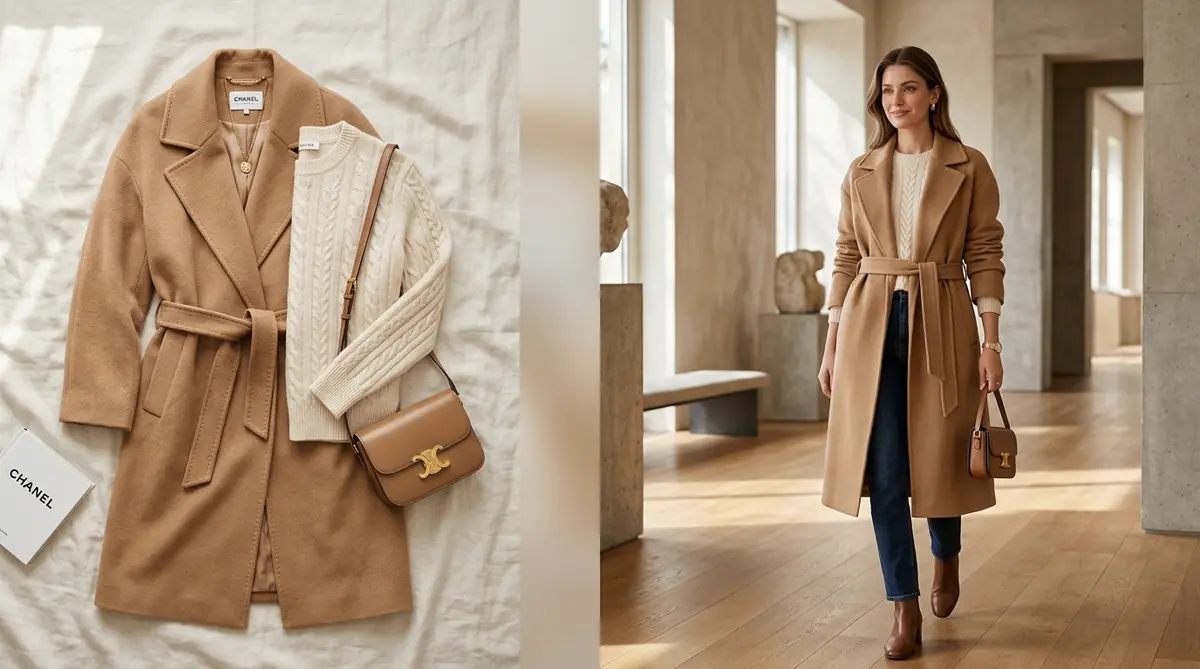
Showcases retail unboxing packaging alongside items, plus multi-item bundle arrangements for higher AOV.
Overhead Flat Lay & Reflections
Top-down bird's-eye views styled with natural props, plus glossy glass and water surface reflections.
Custom & Reference Composition
Type your own custom camera angle or upload any reference photo to instantly copy its framing and mood.
21+ Commercial Environments & Physics-Based Lighting
A great product shot isn't just about cutting out a background; it's about believable ambient physics. SocialShot simulates real-world optical dynamics:
How SocialShot eliminates the fake 'floating sticker' look:
- Accurate Contact Shadows (Ambient Occlusion): Calculates real-world light blockage where the product touches the surface, anchoring it naturally to marble, wood, or concrete.
- Surface Reflections & Specular Highlights: Reflective glass, glossy packaging, and metallic caps dynamically catch ambient environment bounce light.
- Contextual Room Environments: Seamlessly stage products in Spa Bathrooms (skincare), Gourmet Kitchens (food/cookware), Executive Desks (gadgets), or Coastal Nature.
100% Logo & Label Preservation: Zero Text Distortion
The greatest flaw of generic AI tools is hallucinating text on labels, blurring nutrition facts, or warping brand logos. SocialShot's Strict Product Preservation Engine guarantees catalog accuracy:
Exact Typography & Logos
Brand names, micro-text, regulatory badges, and barcode areas remain 100% razor-sharp and unchanged.
True Material Physics
Renders authentic transparency for glass perfume bottles, brushed sheen for aluminum tech, and organic weave for textiles.
Color Hex Accuracy
Locks your product's true color palette without artificial oversaturation or yellow indoor tints.
Shape & Silhouette Lock
Keeps exact physical dimensions, nozzle angles, and cap proportions identical to the real physical SKU.
How to Launch Studio Shots on Shopify in 3 Simple Steps
Upgrading your entire Shopify store from flat smartphone photos to commercial studio imagery takes under 2 minutes:
Step 1: Install the Shopify App — Add SocialShot AI Studio on Shopify to your storefront in one click.
Step 2: Upload Your Product Photo — Pick any existing SKU from your Shopify catalog or upload a clean smartphone snap on a plain desk.
Step 3: Select Shot Type & Background — Pick from 23 shot types (Hero, Pedestal, Floating, Macro, Splash) and choose your luxury backdrop (Marble, Bathroom, Desk, Living Room). Click Generate and push the 8K studio shots directly to your live product page.
Frequently Asked Questions
Can I use basic smartphone photos taken on my desk?
Yes. SocialShot's neural segmentation isolates your product cleanly and builds an entirely new commercial studio scene around it with realistic lighting, contact shadows, and surface reflections.
Will my product's logo, label, or packaging text get distorted?
No. SocialShot's Strict Product Preservation engine locks your product's shape, logo, typography, and color palette with 100% precision, ensuring zero text hallucination.
What image aspect ratios are supported for different marketing channels?
SocialShot supports all major e-commerce and social ratios: 1:1 square for Shopify/Amazon catalogs, 4:5 portrait for Meta feeds, 9:16 vertical for TikTok/Reels, and 16:9 for homepage banners.
Can I generate dynamic liquid splashes or floating product shots?
Yes. With 23 specialized shot types including Motion Splash and Floating, you can generate dynamic water ripples and gravity-defying compositions in seconds without physical mess.
How does SocialShot sync with my Shopify store?
SocialShot AI Studio connects directly to your Shopify Admin. You can select products from your catalog and publish generated studio imagery straight to your product media gallery with one click.
Final Thoughts
In 2026, relying on flat, unedited smartphone photos or generic white cutouts leaves thousands of dollars in lost conversions on the table.
With SocialShot AI Studio, every merchant has access to an enterprise-grade commercial photography studio directly inside their Shopify admin.
Install SocialShot on Shopify today and give your product catalog the 7-figure commercial polish it deserves.
Explore Free Creative AI Tools on SocialShot
Boost your store conversions with our free browser-based tools:
Studio-grade product shots with 23+ camera angles, marble pedestals, and natural lighting.
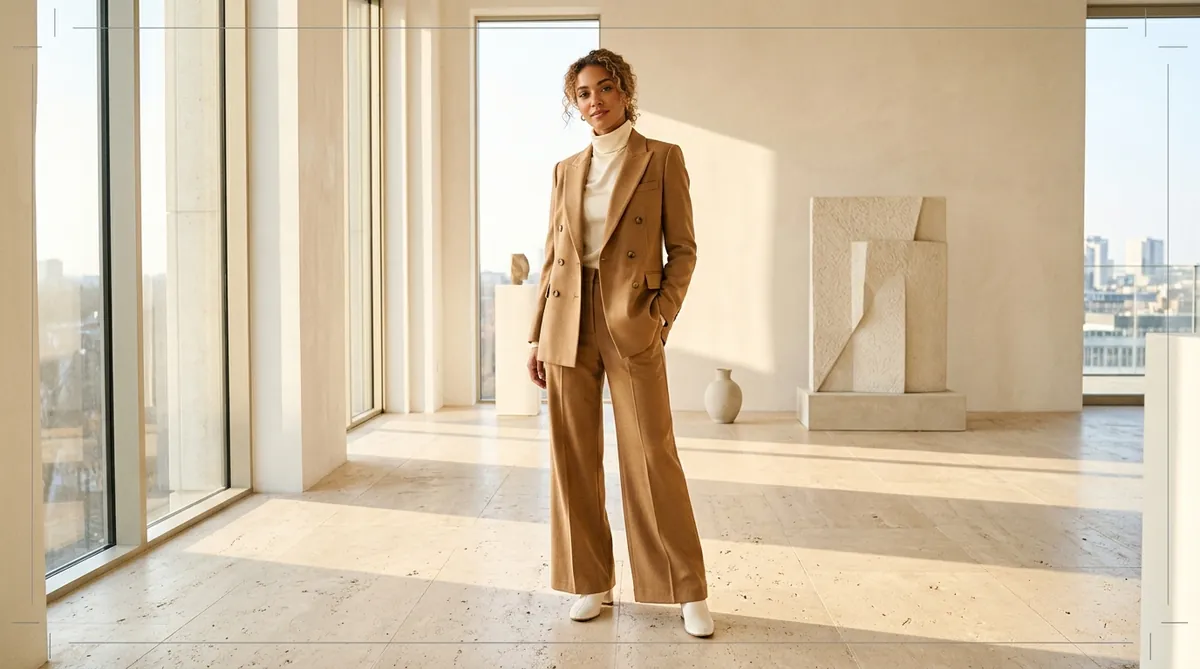
Turn 1 fashion photo into 100+ high-fashion poses and multi-angle catalog lookbooks.
Dress diverse, photorealistic AI fashion models with zero expensive photoshoots.
Generate physics-accurate contact and drop shadows for transparent product cutouts.