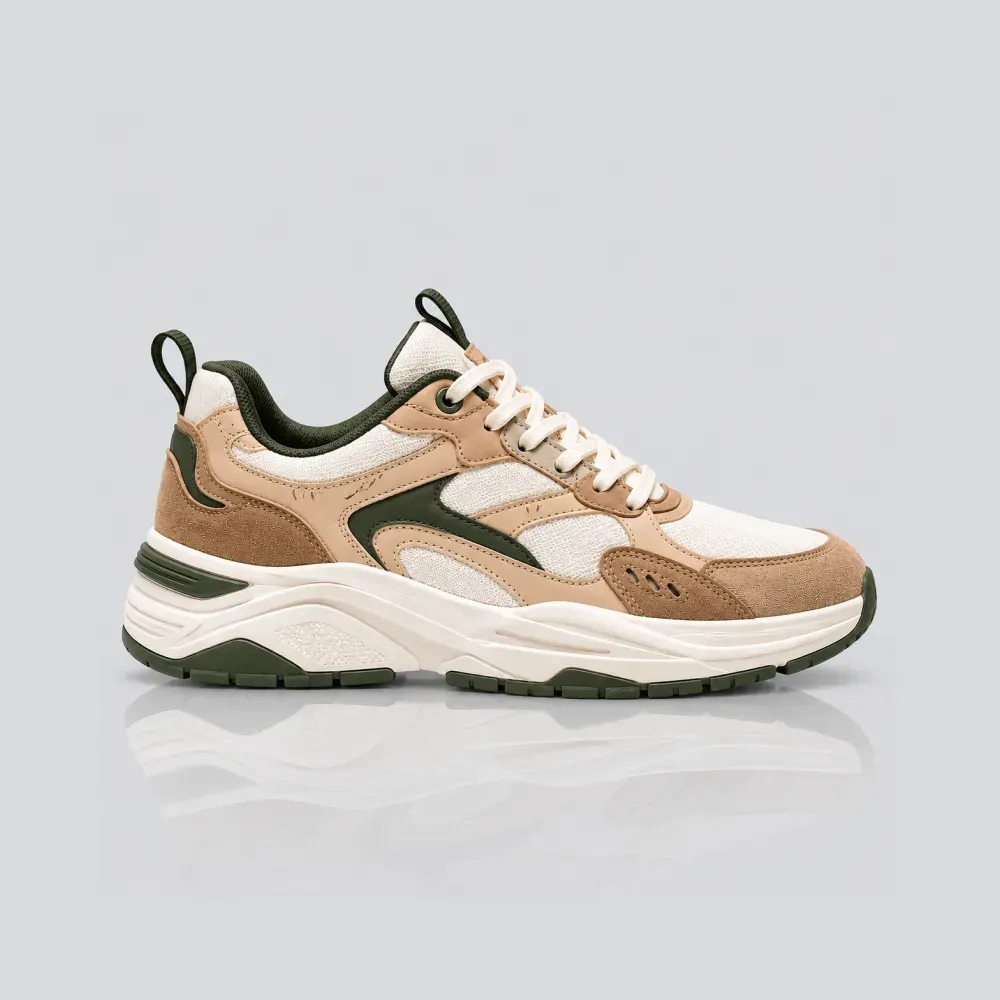
Starting an e-commerce business or launching a new product line is exciting until you confront the brutal reality of product photography costs.
Commercial photography studios routinely charge $1,500 to $3,500 per day plus equipment fees, prop sourcing, and per-image retouching charges. For bootstrapped founders, indie makers, and solo Shopify merchants, that expense can wipe out an entire marketing budget before a single sale is made.
Yet, consumer research proves that 93% of online shoppers place visual quality at the top of their purchase decisions. You cannot skimp on visuals, but you also cannot afford traditional studio rates. Here is the modern blueprint to shooting studio-grade product photos on a shoestring budget using just your smartphone and intelligent AI relighting.
The Budget Reality: Commercial Studio vs. The Modern Shoestring Setup
Traditional commercial photography was built for Fortune 500 brands with dedicated creative budgets. Small businesses that try to replicate these legacy workflows find themselves trapped in high costs and painful turnaround delays.
Here is what happens when you replace physical studio overhead with a smartphone and modern neural photography tools:
| Expense / Factor | Traditional Commercial Studio | Modern Shoestring AI Workflow |
|---|---|---|
| Studio Day Rate | $500 to $1,500/day | $0 (Your desk or living room table) |
| Camera & Lenses | $2,500+ DSLR / Mirrorless rig | The smartphone camera in your pocket |
| Lighting Gear & Softboxes | $800+ continuous strobes | Free north-facing window light + $5 foam board |
| Retouching & Post-Production | $25 to $75 per finished image | Instant AI relighting and shadow generation |
| Turnaround Speed | 2 to 4 weeks waiting on photographer | Under 60 seconds per finished catalog asset |
The 3-Step Phone Camera Calibration (No Expensive Gear)
You do not need a multi-thousand-dollar camera to capture sharp product details. Follow these three essential calibration rules on your smartphone:
1. Wipe Your Lens & Lock Exposure (AE/AF Lock)
Pocket lint and finger oils create hazy, low-contrast photos. Wipe your phone camera with a microfiber cloth. Then tap and hold your product on-screen until 'AE/AF Lock' activates, preventing brightness flickering while you frame your shot.
2. Shoot at 1x to 2x (Never Use Ultra-Wide)
Never shoot products with your 0.5x ultra-wide lens. Ultra-wide lenses create severe barrel distortion, warping straight bottle lines and squishing packaging. Step back 3 to 4 feet and shoot at 1x or optical 2x zoom for natural optical proportions.
3. The Free Lighting Rig (Daylight + White Foam Board)
Place a small table 90 degrees beside a bright window out of direct, harsh sunlight. Place a simple $5 white foam board on the opposite side to bounce soft fill light back into the shadows, creating balanced, commercial studio illumination for free.
The 4 Must-Have Shots Every Small Business Catalog Needs
Do not waste time capturing dozens of redundant angles. Focus on the four core visual assets proven to drive e-commerce conversions:
1. The Clean Hero White Shot (Marketplace Compliance)
Your flagship catalog photo. Straight-on centered framing on a neutral or pure white backdrop with subtle natural contact shadows. Meets 100% of Amazon, Google Shopping, and Shopify collection standards.
2. The Plinth / Pedestal Shot (Instant Luxury Elevation)
Stage your product on travertine stone, Carrara marble, or architectural concrete plinths. This single framing trick instantly elevates an affordable product into a premium boutique piece.
3. The Real-World Scale / Product-in-Hand Shot
Over 22% of e-commerce returns happen because items look bigger or smaller in real life than expected. Showing a human hand naturally holding the product eliminates sizing guesswork immediately.
4. In-Context Lifestyle Setting
Show your item in its natural habitat—a sunny Scandinavian desk for stationery, a marble bathroom for cosmetics, or an open kitchen for gourmet foods. Builds emotional desire and lifestyle alignment.
4 Technical Rules to Keep Your Store Fast and Converting
Creating beautiful images is only half the battle. Follow these four technical rules to protect your mobile conversion rates:
1. Standardize aspect ratios: Use consistent 1:1 square or 4:5 portrait across every product image to prevent mobile gallery jumping.
2. Keep file sizes under 250KB with WebP: Heavy 4K PNGs kill mobile page load speeds. Compress your renders into WebP to maintain crisp retina zoom without hurting Core Web Vitals.
3. Demand physics-accurate contact shadows: Never use flat cutouts that float unnaturally. Ground your items using our psychology of contact shadows guide.
4. Structure your complete sequence: Arrange your shots into an intentional sales funnel following our 7-image Shopify product gallery framework.
Frequently Asked Questions
Do I need the latest iPhone Pro to get professional results?
No. Any modern smartphone from the past 4–5 years (iPhone 11 or newer, Samsung Galaxy, Google Pixel) produces more than enough resolution and dynamic range for crisp e-commerce photography.
Will AI change my product packaging or text?
No. Unlike generic AI image generators, SocialShot uses Exact Product Preservation, locking your original logos, typography, and packaging textures while generating realistic surrounding environments.
Can I use AI product photography for Amazon and Etsy?
Yes. You can generate pure white background hero shots that comply 100% with Amazon Main Image requirements, as well as stylized lifestyle scenes for Etsy and social media ads.
Is SocialShot free to test for small business owners?
Yes! You can test SocialShot for free with no credit card required to experience the quality of AI studio generation before committing to a paid plan.
Final Thoughts
Great product photography is no longer a luxury reserved for multi-million-dollar brands. With a smartphone in your pocket and intelligent AI studio tools, you can create commercial-grade catalogs on a shoestring budget.
Take your smartphone and snap one well-lit photo of your product today.
Transform it into a full studio collection using SocialShot Free AI Product Photography and watch your conversion rates soar.
Explore Free Creative AI Tools on SocialShot
Boost your store conversions with our free browser-based tools:
Free AI Product Photography
Studio-grade product shots with 23+ camera angles, marble pedestals, and natural lighting.
Free AI Shadow Maker
Generate physics-accurate contact and drop shadows for transparent product cutouts.
Free AI Pose Changer
Turn 1 fashion photo into 100+ high-fashion poses and multi-angle catalog lookbooks.
AI Fashion Model Generator
Dress diverse, photorealistic AI fashion models with zero expensive photoshoots.