In online retail, your product photos do 100% of the initial selling. When shoppers browse your Shopify store, they cannot touch your fabrics, test your pumps, or inspect the weight of your packaging. If your imagery looks amateur, your store feels untrustworthy.
For years, creating professional product photography meant renting physical studios, hiring commercial photographers, and paying $1,500 to $3,500 per shoot. For fast-moving Shopify merchants, independent brands, and dropshippers, that expense is unsustainable.
AI product photography changes everything. By pairing a simple smartphone camera with purpose-built e-commerce AI, you can generate complete commercial studio catalogs in minutes. Here is the step-by-step guide to using AI for your Shopify product photos—from raw phone snap to live storefront sync.
Capture a Clean Smartphone Photo (The 80/20 Rule)
The quality of your AI output depends directly on your source image. You do not need a DSLR camera, but you do need to follow three simple phone calibration rules:
1. Wipe Your Lens & Lock Exposure (AE/AF Lock)
Finger oils and pocket dust cause blurry, low-contrast photos. Wipe your phone camera lens with a microfiber cloth. Then tap and hold your product on the screen to lock focus and exposure so the lighting stays consistent.
2. Step Back & Shoot at 1x or 2x Zoom
Never shoot products with the 0.5x ultra-wide lens. Ultra-wide lenses cause optical barrel distortion, warping packaging edges and curving straight lines. Step back 3 to 4 feet and shoot at 1x or 2x optical zoom for natural proportions.
3. Use Natural Indirect Daylight
Set up a table next to a bright window out of direct, harsh sunbeams. Indirect window light provides soft, diffused illumination that prevents harsh specular glares on plastic, glass, and metal.
Choose an E-Commerce-Trained AI (Avoid Generic Art Tools)
A common mistake merchants make is trying to use general-purpose AI art generators (like Midjourney or DALL-E) for commercial products. General tools hallucinate: they scramble brand logos, distort typography, and alter product shapes.
High-converting Shopify stores use specialized e-commerce platforms like SocialShot AI Studio. SocialShot utilizes Exact Product Preservation, which creates a pixel-perfect mask around your physical product, locking your exact logos, packaging textures, and color hex values while generating photorealistic studio environments around it.
What E-Commerce AI Must Preserve with 100% Accuracy:
- Original packaging text, fonts, and brand logos
- True product proportions and silhouette boundaries
- Exact color hex codes to prevent return rates due to color mismatch
- Material properties like brushed steel, frosted glass, or leather grain
Select Strategic Commercial Environments & Angles
Do not generate random backgrounds. Follow the proven sequence that top 7-figure stores use to maximize Product Detail Page (PDP) conversions:
1. The Clean Hero White Shot
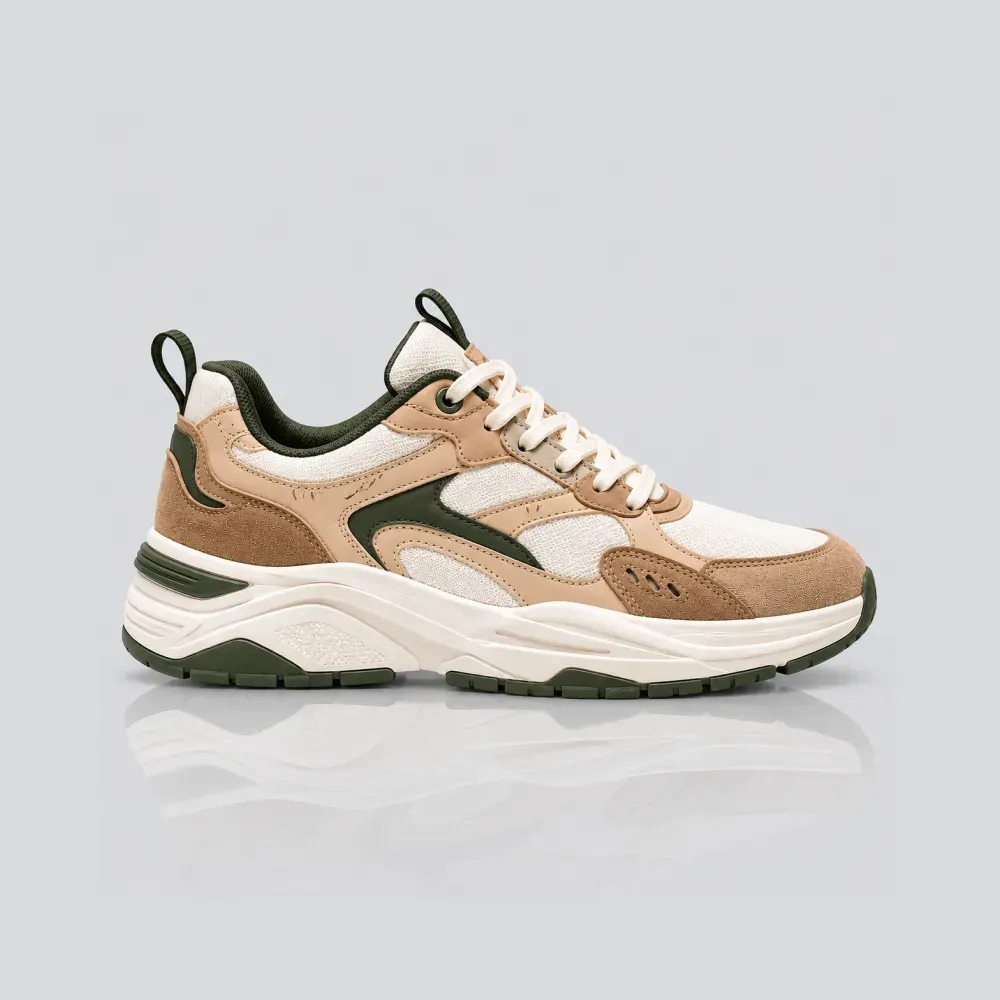
Centered on a pure white or light grey studio background. Meets 100% of Google Shopping and Amazon feed requirements and serves as your primary catalog thumbnail.
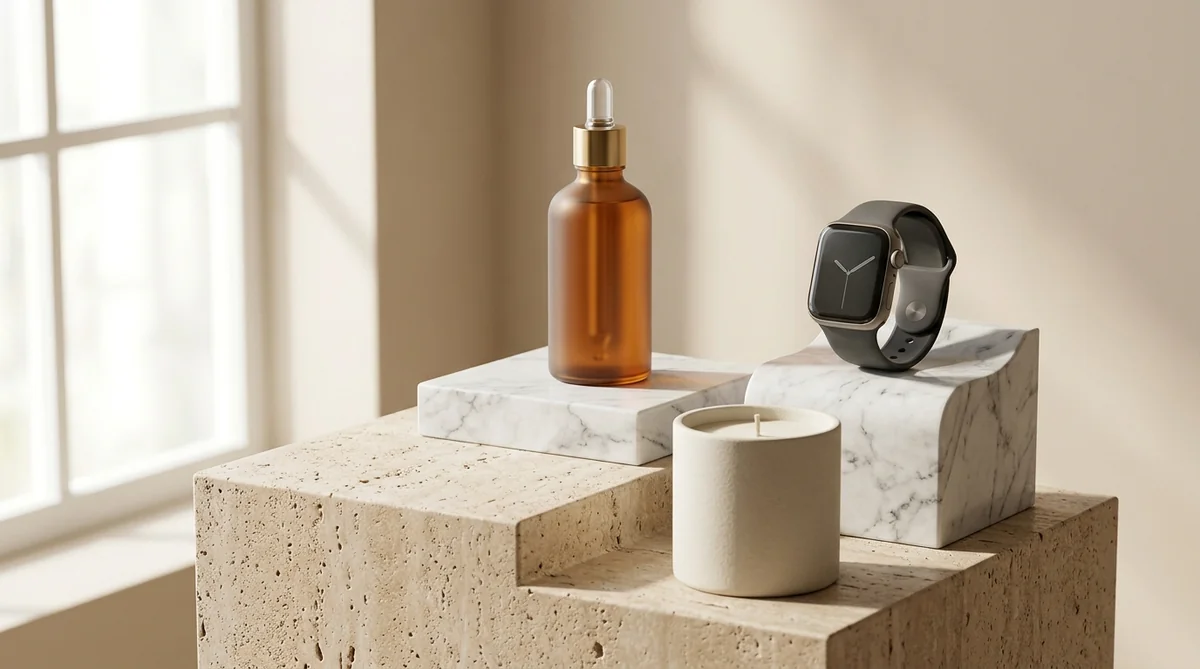
2. The Travertine or Marble Pedestal
Staging your item atop an architectural stone plinth instantly triggers luxury subconscious cues, elevating perceived value and justifying premium price points.
3. The Product-in-Hand Scale Reference
Showing a human hand holding the product gives instant real-world scale, eliminating sizing confusion—the #1 driver of e-commerce returns.
4. The Macro Craftsmanship Close-Up
Zoom in on seams, metallic caps, embossed logos, or ingredient droplets to prove build quality and build tactile trust.
5. In-Context Lifestyle Staging
Place the product in its natural habitat (a sunlit kitchen counter, executive desk, or spa bathroom) so buyers can visualize it in their daily lives.
Demand Physics-Accurate Contact Shadows
The biggest giveaway of amateur AI photography is the 'floating sticker' effect—when a product sits on a surface with zero contact shadow.
In real life, light cannot penetrate the microscopic space where a product touches the floor. This creates a razor-sharp dark line (the umbra) and soft ambient occlusion shading (the penumbra).
SocialShot's neural lighting engine automatically ray-traces physics-accurate contact shadows that match your chosen environment's light direction, ensuring your product looks heavy, grounded, and tangible.
Export in Lightweight WebP and Sync Directly to Shopify
Heavy image files destroy mobile conversion rates. If your product page takes longer than 3 seconds to load, over 50% of mobile visitors bounce.
When you generate your images with SocialShot AI Studio on Shopify, the platform automatically handles technical optimization:
Automated Technical Checklist:
- WebP Format: Compresses images under 250KB while retaining retina zoom sharpness.
- Uniform Aspect Ratios: Standardizes images to 1:1 square or 4:5 vertical so mobile sliders don't jump.
- Descriptive SEO Alt Text: Formats alt tags (e.g., 'Organic vitamin C serum on white marble pedestal') to drive organic Google Image traffic.
- 1-Click Sync: Automatically updates your Shopify product media gallery without tedious manual downloads.
Frequently Asked Questions
Do I need a professional camera to use AI for Shopify photos?
No. Any modern smartphone (iPhone, Samsung Galaxy, Google Pixel) provides more than enough detail. As long as your photo is in focus and taken in natural daylight, the AI handles the rest.
How does SocialShot connect to my Shopify store?
You can install the official SocialShot AI Studio app from the Shopify App Store. It connects directly to your Shopify Admin, allowing you to select products and push AI studio renders into your media galleries in one click.
Can I use AI photos for dropshipping products?
Yes! You can upload flat manufacturer or AliExpress photos, and SocialShot will transform them into custom, branded studio and lifestyle shots so your store stands out from competitors.
Does AI product photography comply with Google Shopping guidelines?
Yes. Google Shopping requires clean, uncluttered images on neutral or white backgrounds. SocialShot's Clean Studio preset complies 100% with Google Shopping and Amazon standards.
Final Thoughts
Creating high-converting e-commerce product photos no longer requires thousands of dollars in studio rental fees or weeks of production delay.
Take your smartphone, snap a well-lit photo of your flagship product, and follow this 5-step blueprint.
Install SocialShot AI Studio on Shopify or try our Free AI Product Photography tool today to transform your storefront into a conversion powerhouse.
Explore Free Creative AI Tools on SocialShot
Boost your store conversions with our free browser-based tools:
Free AI Product Photography
Studio-grade product shots with 23+ camera angles, marble pedestals, and natural lighting.
Free AI Shadow Maker
Generate physics-accurate contact and drop shadows for transparent product cutouts.
Free AI Pose Changer
Turn 1 fashion photo into 100+ high-fashion poses and multi-angle catalog lookbooks.
AI Fashion Model Generator
Dress diverse, photorealistic AI fashion models with zero expensive photoshoots.