Swapping a photo background used to require painstaking pen tool masking, hair strand lassoing, and hours of manual color-grading in Photoshop. Even after all that work, the final composite often looked artificial—because the subject retained the color temperature and lighting angles of their original environment.
Modern AI tools have revolutionized this workflow. Today, tools like SocialShot's AI Background Changer and Free Background Remover not only extract subjects with sub-pixel precision but also automatically harmonize environmental light, ambient bounce, and contact shadows.
Here is how to seamlessly transport portraits and products into breathtaking new settings without leaving telltale editing artifacts.

Learn how to seamlessly replace photo backgrounds for portraits, products, and cars using AI with natural lighting harmonization, contact shadows, and zero haloing.
Why Bad Composites Look Fake (And How AI Fixes Them)
Anyone can erase a background, but an unconvincing composite is immediately detected by the human brain. The telltale signs of poor editing come down to physical inconsistencies in lighting physics.
The four most common composite failures:
- Mismatched Color Temperature: Dropping a subject illuminated by cool indoor fluorescent light into a golden sunset exterior.
- Conflicting Shadow Angles: Background shadows falling to the left while your subject displays harsh highlights from the right.
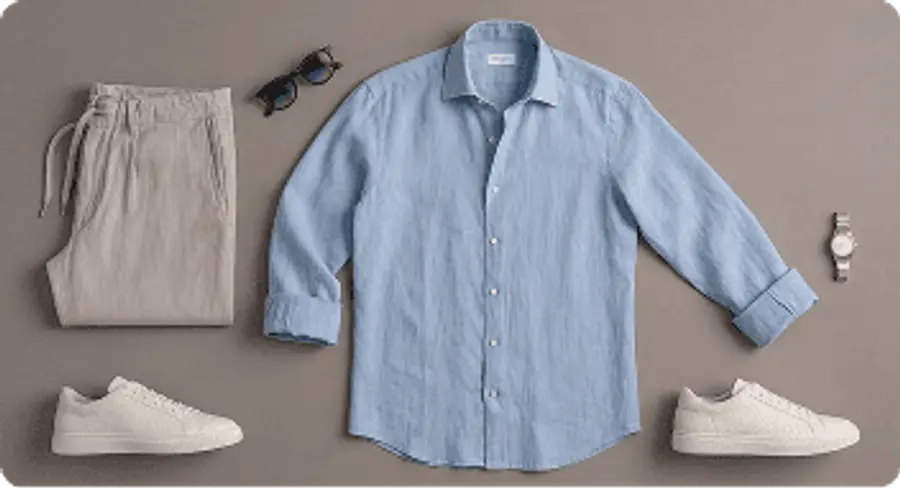
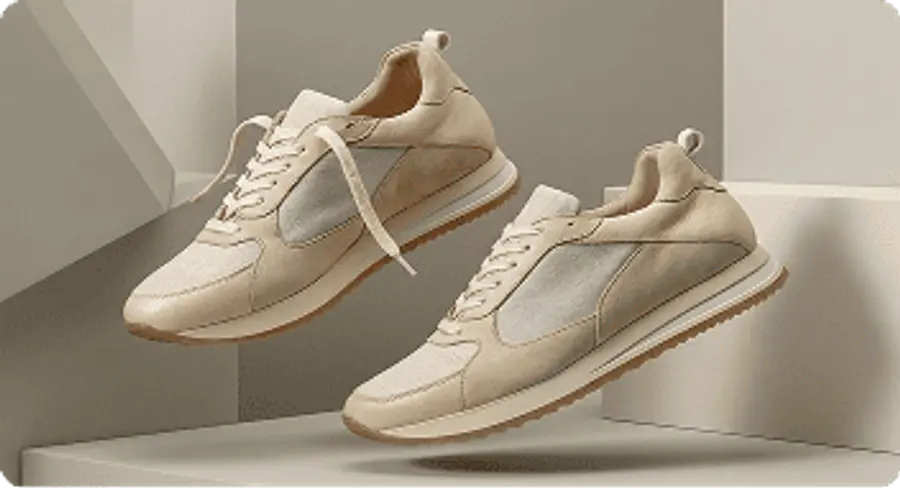
- Missing Ground Contact Shadows: Products or shoes that appear to levitate because there is no ambient occlusion shadow anchoring them to the floor.
- Edge Fringing & Hair Halos: Retaining an ugly 1-pixel outline from the original backdrop around wispy hair or fabric fibers.
SocialShot's lighting harmonization neural network recalculates light direction across your subject's skin and clothing to physically match the newly generated scene.
Aligning Perspective, Camera Height, and Depth of Field
The secret to invisible background replacements is perspective alignment. If you photograph a product from a 45-degree top-down angle, placing it into a straight eye-level scene will always look distorted.
Camera Angle Alignment
Match the original shooting angle (eye-level, low angle, or bird's-eye flat lay) with the horizon line of your target background.
Aperture & Bokeh Depth
If your subject is razor-sharp, the background should display natural lens blur (f/2.8 or f/4.0 aesthetic) to establish realistic depth.
Scale Proportions
Ensure surrounding contextual objects—chairs, coffee mugs, or laptop keyboards—align with real-world human scale.
Lighting Diffusion
Pair soft ambient studio portraits with gentle indoor settings, and direct sunlight shots with crisp outdoor environments.
Step-by-Step Background Replacement Workflow
Using SocialShot's Background Changer, you can replace environments in three simple steps:
1. Upload Your Source Photo: Upload any portrait, product photo, or automobile snapshot. PNG, JPG, and WebP are supported.
2. Select a Curated Environment or Enter a Custom Prompt: Choose from dozens of studio, luxury loft, tropical beach, or urban cityscape presets, or describe your exact custom setting.
3. Preview & Download: The AI isolates your subject, removes fringe halos, applies realistic contact shadows, and harmonizes color balance for an instant export.
| Use Case | Best Background Choice | Key Benefit |
|---|---|---|
| LinkedIn & Executive Portraits | Blurred Modern Office or Clean Gradient | Directs attention to facial expression; looks executive and polished |
| Ecommerce Fashion & Apparel | Neutral Parisian Street or Minimal Loft | Elevates catalog perceived value without booking overseas shoots |
| DTC Product Bottles & Packaging | Luxury Marble Pedestal or Wooden Shelf | Builds instant brand authority and commercial desirability |
| Automobile Listings | Modern Architectural Driveway or Mountain Pass | Increases buyer engagement and ad click-through rates |
Frequently Asked Questions
Does the AI handle fine details like curly hair and fur?
Yes. SocialShot uses advanced edge matting networks trained to preserve fine hair strands, fur flyaways, and semi-transparent fabrics without cutting them off.
Can I get a pure transparent PNG background instead?
Yes. Use our Free AI Background Remover to export pure transparent PNG cutouts ready for Figma, Photoshop, or web assets.
Can I describe custom backgrounds using text prompts?
Yes. You can enter detailed text prompts describing exact architectural styles, room materials, and lighting moods to generate completely unique environments.
Will the original subject quality be preserved?
Yes. SocialShot preserves full input resolution and sharp details on your primary subject while rendering a high-definition background.
Final Thoughts
You don't need a Hollywood budget or weeks on location to photograph subjects anywhere on earth.
Upload your photo to SocialShot's AI Background Changer today and transform your imagery in seconds.