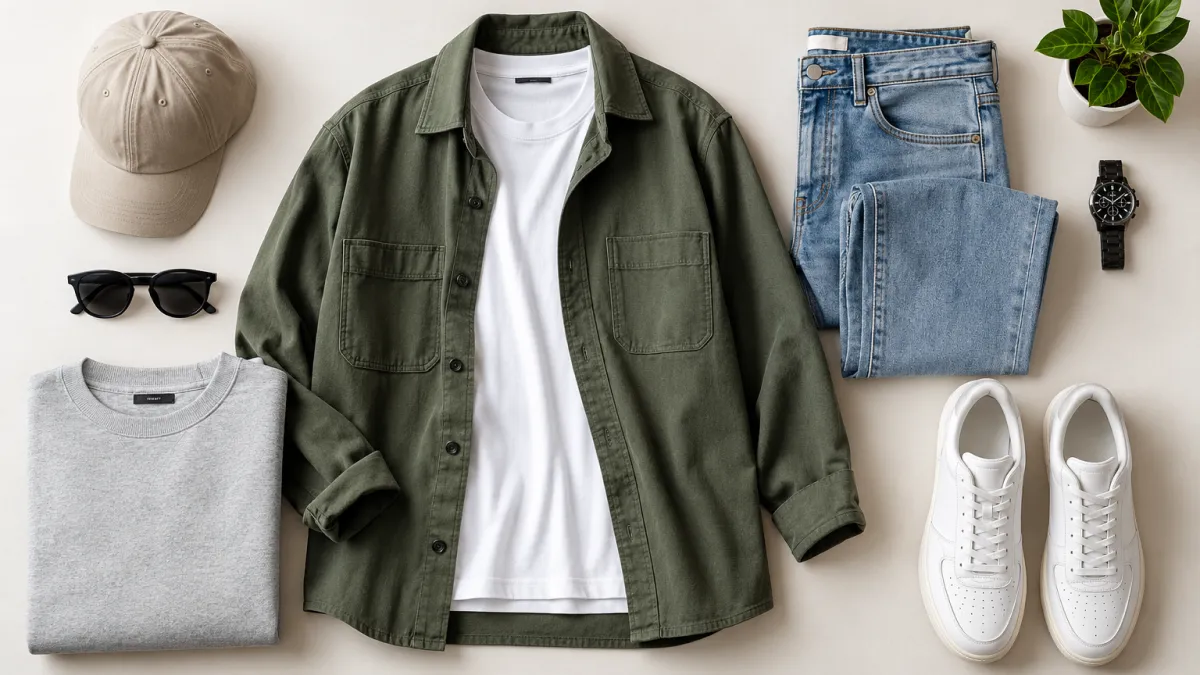
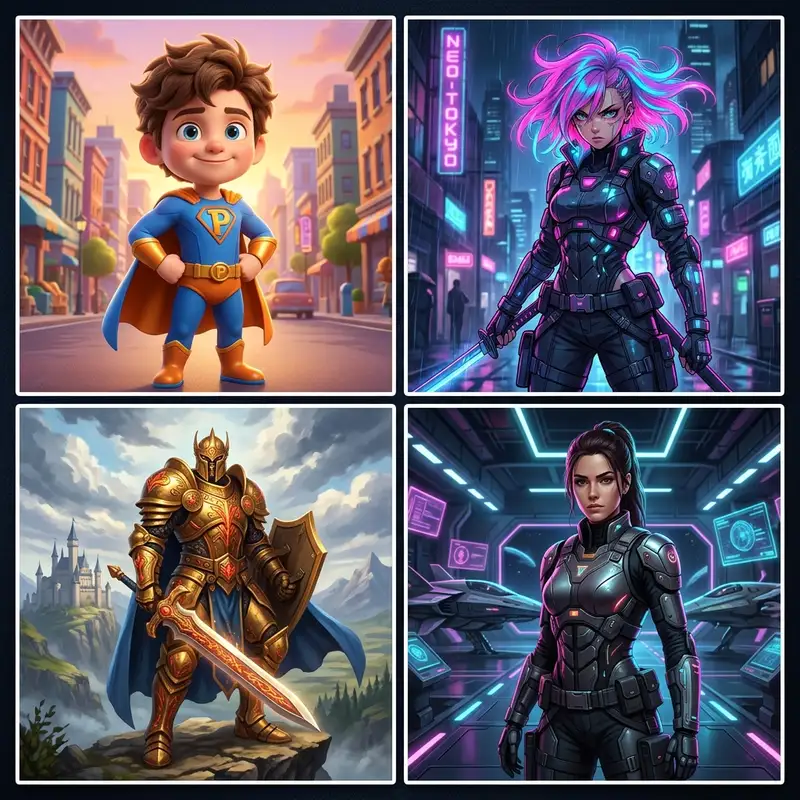
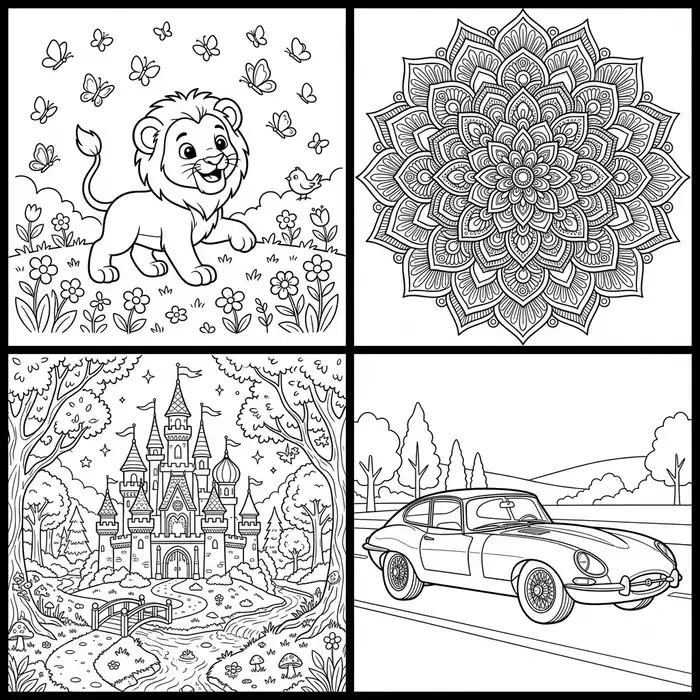
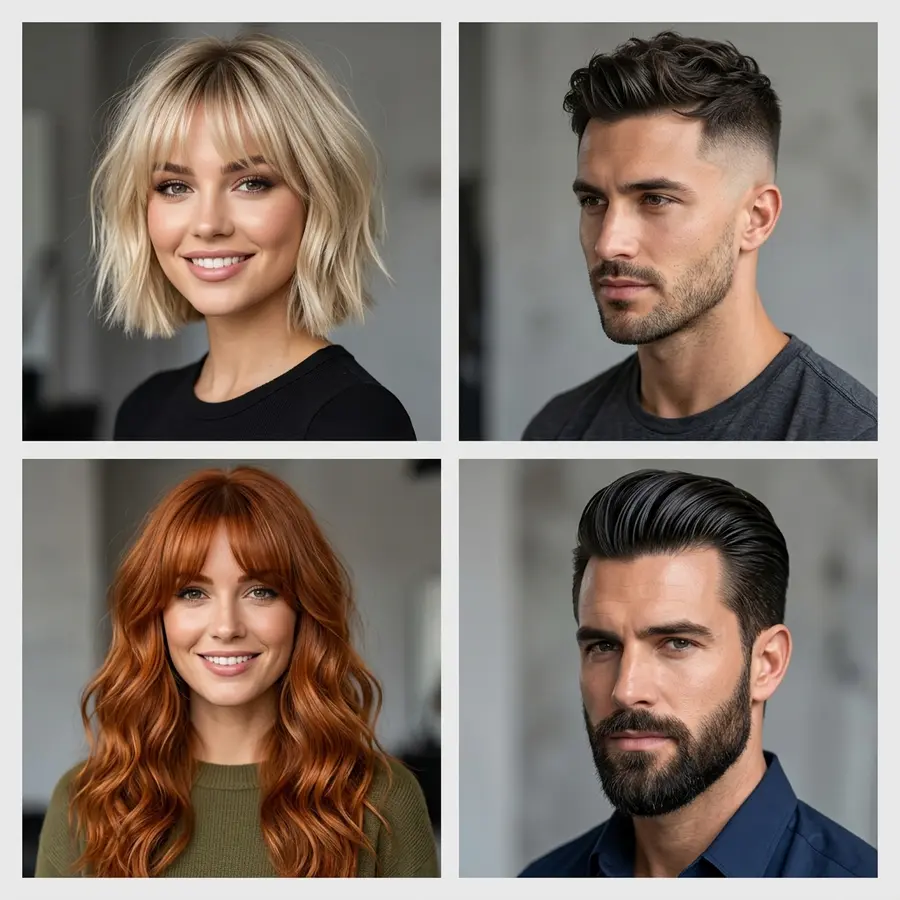
Creating professional product visuals can be challenging when you're running an ecommerce store, testing dropshipping products, or managing digital marketing campaigns on a limited budget. You need images that look polished, communicate your brand identity, and help customers understand what you're selling.
Hiring a photographer, purchasing expensive software, or spending weeks mastering complex design tools isn't always practical when you need to move fast.
The good news? AI-powered tools like SocialShot's Product Mockup Generator and AI Product Photography now allow you to transform flat logos, labels, and 2D artwork into realistic, 3D product presentations in seconds without touching Photoshop.
In this guide, you'll learn how to create product mockups without Photoshop, explore different mockup styles, and discover practical ways to use AI-generated visuals for your ecommerce store, social media, and advertising campaigns.
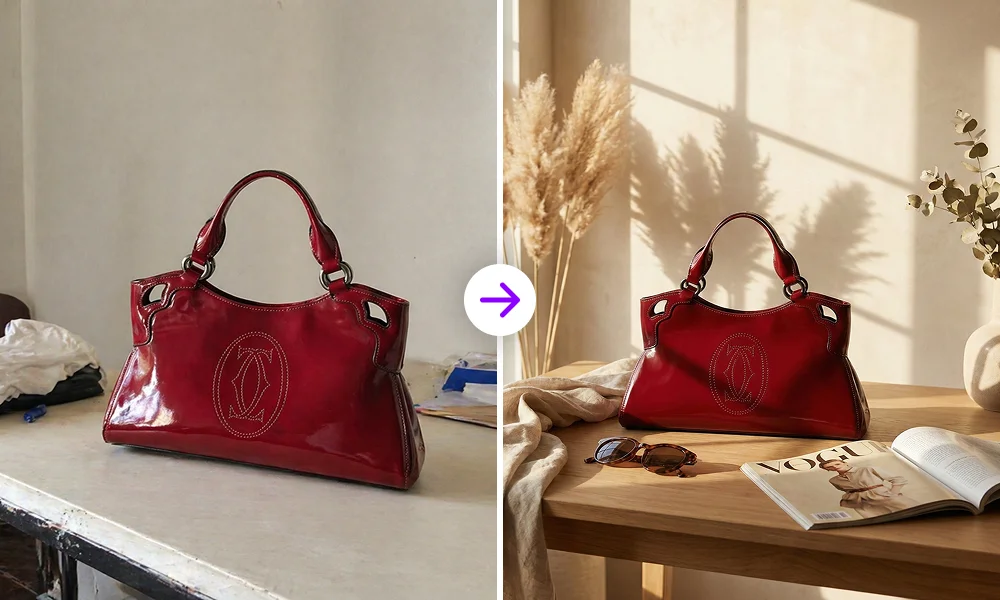
Learn how to create realistic, studio-grade product mockups for packaging, apparel, and digital devices without Photoshop using AI. Complete step-by-step guide.
What Is a Product Mockup?
A product mockup is a visual representation of how a design, logo, label, or interface might look on a finished product.
For example, you can take a flat coffee bag label and preview it on a three-dimensional package. You can place a clothing brand's logo on a T-shirt, display an app interface inside a smartphone frame, or present a cosmetic label on a bottle.
Instead of showing customers a flat 2D graphic, a mockup provides context for how the design could appear in a real-world setting, complete with realistic lighting, shadows, reflections, and material textures.
Product mockups are essential for:
- Dropshippers: Preview product concepts and prepare marketing creatives before investing in bulk inventory or full photoshoots.
- Ecommerce Entrepreneurs: Build consistent Shopify and Amazon store listings that establish trust and brand authority.
- Digital Marketers: Develop advertising concepts, campaign visuals, and creative variations with Social Media Ads.
- Designers: Present packaging concepts and branding proposals to clients in tangible, real-world contexts.
- Small Businesses: Explore small business marketing visuals without immediately investing in specialized photography equipment.
Important reminder: A mockup is a presentation and marketing tool, not proof of the final manufactured product. Always ensure your published visuals accurately represent what customers will receive.
Why Create Product Mockups Without Photoshop?
Adobe Photoshop is a powerful image-editing application, but creating a realistic product mockup manually can involve several tedious steps. You might need to find a suitable PSD template, replace a Smart Object, adjust perspective grids, manage layer masks, and refine shadows or blending modes.
The process becomes even more involved when you need different products, camera angles, or environments.
An AI product mockup generator offers a streamlined approach: upload your artwork, select the presentation you want, and let the tool generate a studio-quality visual result automatically.
1. Simplify the Design Process
Traditional mockup templates require familiarity with layers, Smart Objects, and warp transforms. An AI workflow removes this technical overhead so anyone can create professional visuals.
2. Explore Different Product Scenes
Instantly test white studio photography, minimalist tabletops, luxury marble, office desks, and outdoor lifestyle settings without downloading separate PSD files.
3. Reduce Dependence on PSD Templates
No more searching through template libraries or paying for individual PSD files. Generate any product category or camera angle directly on demand.
4. Create Assets for Every Channel
Easily generate clean catalog shots, Instagram lifestyle creatives, and multi-format paid ads from a single master design.
Photoshop vs. AI Product Mockup Generators
Both Photoshop and AI mockup generators have their place. The right choice depends on the level of control you need, your design skills, and your turnaround requirements.
| Feature | Traditional Photoshop Workflow | AI Product Mockup Generator |
|---|---|---|
| Getting started | Find a suitable PSD template or build a composition from scratch | Upload artwork and choose a product presentation preset |
| Technical skills | Requires layer, mask, perspective, and blending mode editing | Zero graphic design or software expertise required |
| Scene variations | Depends on downloaded templates or manual composition | Generates dozens of scenes, angles, and lighting styles instantly |
| Fine-grained control | Detailed manual pixel-level and vector editing control | Guided by prompt instructions, presets, and reference images |
| Turnaround time | 15–45 minutes per product angle | Under 30 seconds per generation |
| Best suited for | Pre-press manufacturing proofs and manual retouching | Rapid concept exploration, social creatives, and catalog scaling |
An AI mockup generator isn't an absolute replacement for Photoshop in every situation. Photoshop may be preferable when you need exact pre-press print proofs. However, for digital marketing, ecommerce listings, and rapid concept testing, AI is faster and far more practical.
How to Create Product Mockups Without Photoshop in 3 Steps
You can create an AI product mockup in three straightforward steps using SocialShot's Product Mockup Generator.
Step 1: Upload Your Logo, Label, or 2D Artwork — Start with the design you want to place on a product. SocialShot supports clean image inputs such as PNG, JPG, and WebP. For applying logos to apparel, caps, or bottles, use a transparent PNG (you can create one instantly with our Free Background Remover). For full wraparound labels or book covers, upload the complete rectangular artwork.
Step 2: Choose Your Product Category and Scene — Next, select the type of product you want to visualize: packaging, apparel, digital devices, or print stationery. Choose a background that aligns with your brand positioning.
Step 3: Generate, Review, and Export Your Mockup
- Logo accuracy: Is your branding sharp, recognizable, and properly oriented?
- Text legibility: Are product names and primary label details clear?
- Material realism: Do fabrics, glass, paper, or metal surfaces look natural?
- Lighting & shadows: Do reflections match the ambient scene environment?
- Perspective: Does the artwork naturally contour around folds and curved edges?
| Your Brand Goal | Scene Setting to Consider |
|---|---|
| Clean ecommerce catalog | White Studio |
| Premium packaging presentation | Minimalist or Luxury Interior |
| Social media lifestyle creative | Hand-Held or Casual Lifestyle |
| Business branding presentation | Office Desk |
| Food or beverage branding | Café or Tabletop |
| Outdoor product campaign | Outdoor & Natural Light |
Ready to test the workflow? You can Create a product mockup with SocialShot right in your browser with free credits.
4 Product Mockup Styles to Explore for Ecommerce and Marketing
Different mockup styles serve distinct marketing purposes. Using a strategic mix of styles across your funnel builds stronger customer engagement.
1. Lifestyle and Hand-Held Mockups
Placing a product inside a person's hand or an active setting communicates human scale and makes products feel tangible—perfect for Instagram feeds, TikTok slideshows, and paid ads.
2. Minimalist Packaging Mockups
Neutral backdrops with soft directional lighting keep customer attention 100% focused on your label typography, bottle geometry, and brand aesthetics.
3. Device and Digital Product Mockups
Showcase SaaS platforms, mobile apps, or digital products inside sleek smartphone, laptop, or tablet frames to give intangible software a physical presence.
4. Apparel and Merchandise Mockups
Preview t-shirts, hoodies, caps, and tote bags with natural wrinkle physics, seam contours, and authentic fabric textures without ordering physical samples.
How Dropshippers and Ecommerce Brands Use Product Mockups
For modern ecommerce brands, mockups are vital assets that accelerate marketing cycles and validate new product ideas.
Test Product Presentation Concepts: Before committing to inventory, dropshippers can create alternative mockup concepts to test audience engagement. Run split tests with your actual campaign data to see which visual style converts best.
Build Consistent Store Branding: Maintaining consistent lighting, composition, and color palettes across your catalog builds customer trust. For official image guidelines, check the Shopify Help Center's product media documentation and review Shopify's product photography guide.
Scale Multichannel Ad Creatives: Different ad networks demand different aspect ratios. Generate square, 9:16 vertical, and landscape mockups for Meta, TikTok, and Google Ads using SocialShot's Ecommerce Suite.
Tips for Creating Better AI Product Mockups
The output quality depends on both the generator and your input preparation. Follow these practical tips for top-tier results:
- Use Clean, High-Resolution Artwork: Start with high-resolution vector or raster exports (2000px+). Avoid compressed graphics or low-res screenshots.
- Choose the Right File Format: Transparent PNGs are best for placing logos on apparel and bottles; high-res JPGs or WebPs work well for full wraparound labels.
- Keep Your Core Graphic Clear: Extremely tiny legal disclaimer text may distort in AI generation. Keep primary brand names and hero graphics bold and legible.
- Match the Scene to the Product: Match warm ambient lighting for organic skincare or artisanal goods, and clean high-key lighting for modern tech products.
- Review Every Generation: Always verify proportions, label contours, and material textures before publishing images publicly.
Frequently Asked Questions
Can I create product mockups without Photoshop?
Yes. AI-powered product mockup generators allow you to turn flat artwork, logos, and labels into realistic 3D product presentations in seconds without manually editing PSD files or using complex design software.
Can I create product mockups for free?
Yes. SocialShot provides free credits upon signing up so you can test and generate product mockups at zero cost without entering a credit card.
What file formats can I use for product mockups?
PNG, JPG, and WebP are fully supported. For placing logos onto shirts, caps, or packaging, transparent PNG files yield the cleanest results.
Can AI mockup generators create bottle and can mockups?
Yes. AI mockup generators can accurately wrap labels around curved cosmetic bottles, beverage cans, jars, and pouches with realistic cylindrical perspective and reflections.
Do I need a transparent PNG?
Not always. A transparent PNG is ideal for floating logos on apparel or merchandise. For complete rectangular labels, book covers, or device screens, standard JPG or PNG artwork works great.
Can I upload my own reference image?
Yes. In SocialShot, you can provide reference images to guide the composition, camera angle, and ambient lighting of your final mockup.
Can I use AI product mockups for Shopify?
Yes. You can use generated mockups across your Shopify store catalog, landing pages, and promotional banners, provided they accurately represent the products you sell.
Can I use AI-generated mockups in commercial advertising?
Yes. All visuals generated on SocialShot paid plans come with full commercial rights for use in paid advertising, websites, and client projects.
Are AI product mockups suitable for every product?
AI mockups are ideal for apparel, packaging, print merchandise, and digital devices. For highly specialized technical equipment requiring exact micrometer specifications, manual CAD or photography may still be recommended.
Final Thoughts
You no longer need expensive software licenses or hours of manual Photoshop editing to produce striking, high-converting product presentations.
With AI-powered mockup generation, you can upload your artwork, select your product scene, and generate photorealistic visuals in seconds.
Explore the workflow today with SocialShot's dedicated mockup tools.