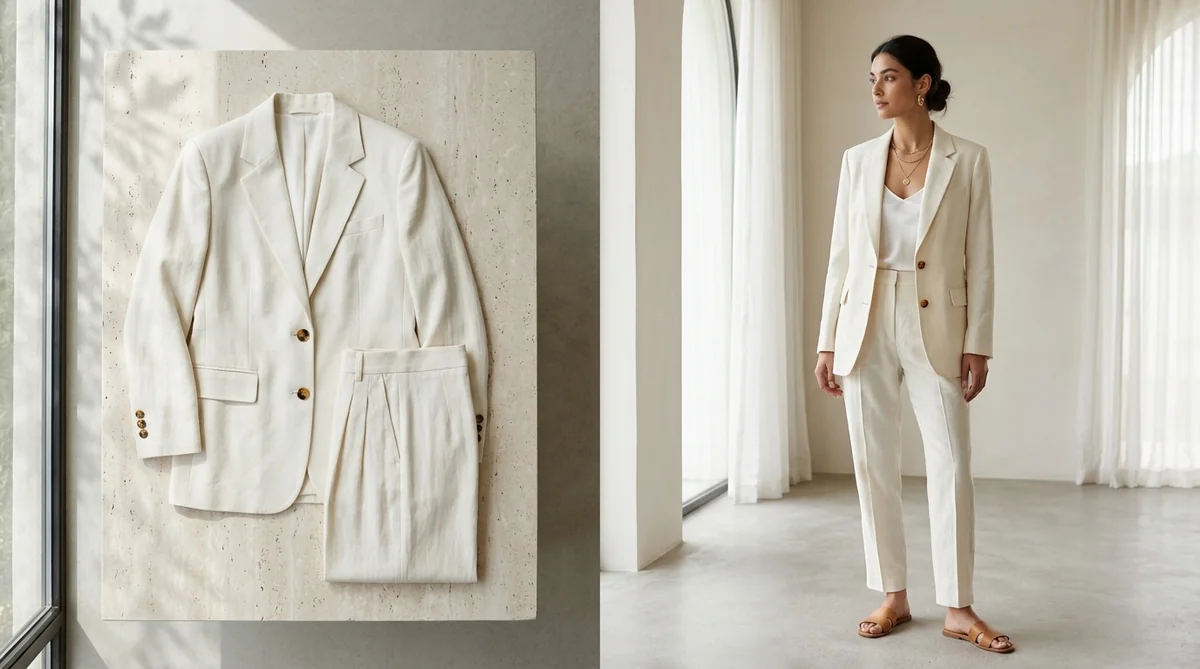
Every fashion merchant, apparel designer, and dropshipper knows the frustrating limitations of flat-lay and hanger photography. While snapping a photo of a dress on a wooden hanger or laying trousers across a table takes just five minutes, those static shots are notorious conversion killers on your Shopify store.
Online shoppers cannot visualize how stiff fabric will drape across shoulders, where waistlines sit, or how a hemline moves in motion. Industry e-commerce studies prove that switching from flat-lays to on-model imagery lifts Shopify conversion rates by up to 2.4× and dramatically cuts fit-related returns.
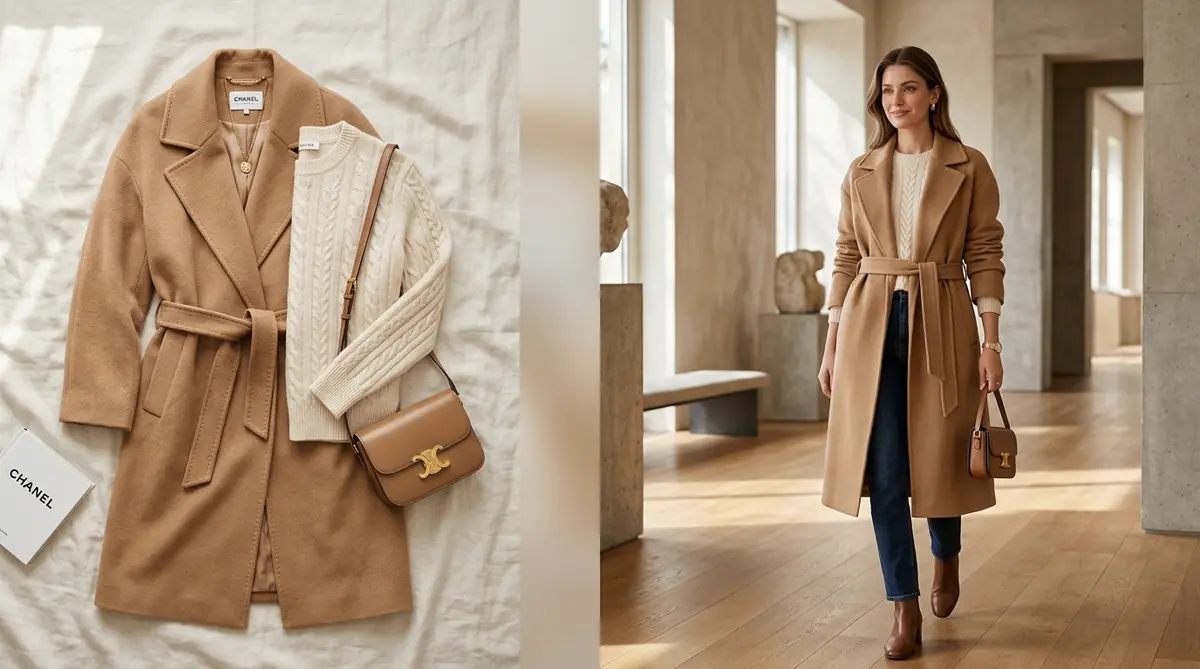
With SocialShot AI Studio on Shopify, you can now take any simple flat-lay, hanger photo, or supplier catalog shot and transform it into a magazine-grade, on-model photoshoot in under 60 seconds—featuring 24 diverse global models, custom model upload, and 100% strict garment preservation.
How It Works: From Flat Lay to 100+ Studio Poses
Transform flat lays, hanger photos, or single model shots into a complete multi-angle commercial lookbook in under 2 minutes.
Upload Raw Photo
Snap a smartphone flat lay, hanger photo, or single model shot on any background.
Select Poses & Models
Pick from 100+ natural poses, diverse photorealistic models, and editorial studio lighting angles.
Export 4K Lookbook
Download high-res assets formatted for Shopify galleries (1:1), Meta feeds (4:5), and TikTok (9:16).
The Problem with Flat-Lays: Why Customers Don't Buy Hanger Photos
Online apparel shoppers don't buy garments in the abstract; they buy the emotional fantasy of wearing them. Relying on flat-lays or ghost mannequins introduces severe friction into your conversion funnel:
Zero Drape Context
Garments laid flat on a table lose natural gravity, silhouette curvature, and realistic fabric flow.
Fit & Sizing Uncertainty
Shoppers can't evaluate sleeve drop, shoulder seam width, or torso proportion—leading to cart abandonment.
Commodity Wholesale Look
Hanger shots look like cheap wholesale suppliers rather than an aspirational designer brand.
The $4,000 Studio Barrier
Traditional model casting, studio hire, and lighting crews cost thousands per collection drop.
24 Professional Global AI Models Across 12 Nationalities
One of the biggest breakthroughs of SocialShot AI Studio is hyper-localized demographic diversity. Instead of generic AI faces, merchants choose from 24 art-directed studio models representing 12 diverse nationalities (12 female and 12 male):
🇺🇸 American & 🇬🇧 British
Ava & Liam (Fair skin, athletic build) / Emma & Oliver (Light skin, blonde hair, curvy/athletic build).
🇧🇩 Bangladeshi & 🇮🇳 Indian
Maya & Rayan (Medium-brown skin, black hair) / Ananya & Arjun (Rich brown skin, dark hair, athletic build).
🇯🇵 Japanese & 🇰🇷 Korean
Yuki & Kenji (Light-medium skin, straight black hair) / Ji-woo & David (Light skin, slim editorial build).
🇧🇷 Brazilian & 🇪🇸 Spanish
Camila & Daniel (Warm tan skin, wavy hair) / Sofia & Mateo (Olive/tan skin, stylish brunette build).
🇳🇬 Nigerian & 🇪🇬 Egyptian
Zara & Marcus (Rich dark skin, textured hair) / Layla & Omar (Olive skin, dark wavy hair, editorial posture).
🇦🇺 Australian & 🇫🇷 French
Chloe & Ethan (Sun-kissed skin, relaxed/casual) / Camille & Andre (Elegant, Parisian high-fashion editorial look).
Localization Advantage: Cross-border Shopify brands can now display South Asian models in India & Bangladesh, East Asian models in Japan & Korea, and European models in France & the UK—instantly boosting localized ad relevance and conversion.
Bring Your Own Brand Ambassador: Custom Model Upload
Have a contracted brand model, influencer, or specific face you want associated with your label? SocialShot's Custom Model Upload feature lets you upload any reference photo.
What SocialShot's Custom Model Engine preserves:
- Facial Features & Expression: Retains the exact facial bone structure, eye shape, nose contour, and natural expression.
- Skin Complexion & Hair: Accurately matches your model's skin tone, undertones, and hair texture.
- Physical Proportions: Drapes garments naturally to match the model's exact height, shoulder width, and physique.
Strict Garment Preservation: Zero Fabric or Design Distortion
The greatest fear for fashion merchants is that AI will hallucinate extra buttons, warp prints, or change the fabric's true color. SocialShot solves this with our Strict Garment Preservation Engine:
Design & Cut Precision
Necklines, lapels, collars, sleeves, hem lines, and silhouettes remain 100% true to your original piece.
Texture & Thread Count
Accurately renders cotton, denim, silk, satin, linen, knits, and wool with authentic physical grain.
Seams, Buttons & Hardware
Zippers, metallic buttons, and intricate top-stitching contour naturally to the model's body.
Organic Light & Draping
Calculates realistic tension lines, natural wrinkles, and physics-based light and shadow draping.
21+ Commercial Environments & Multi-Channel Aspect Ratios
Place your garments into the exact brand world you envision without booking plane tickets or renting studios:
Minimalist Studio Sets
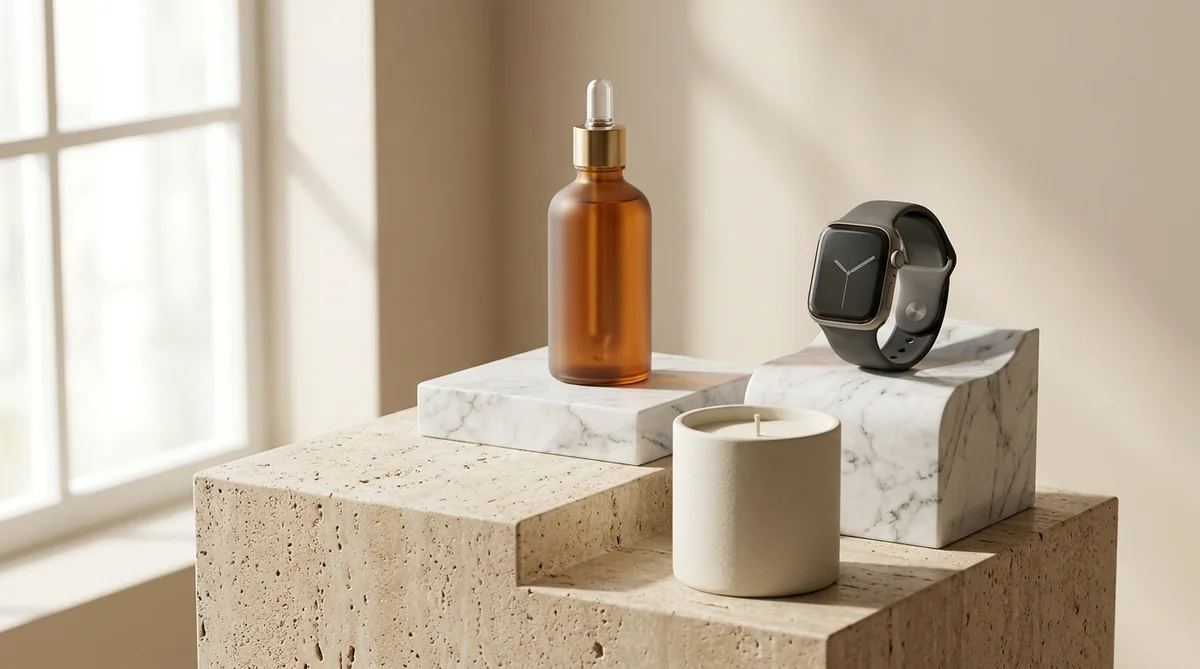
Seamless cyclorama white, soft neutral gray, architectural marble plinths, and warm travertine.
Lifestyle & Interior
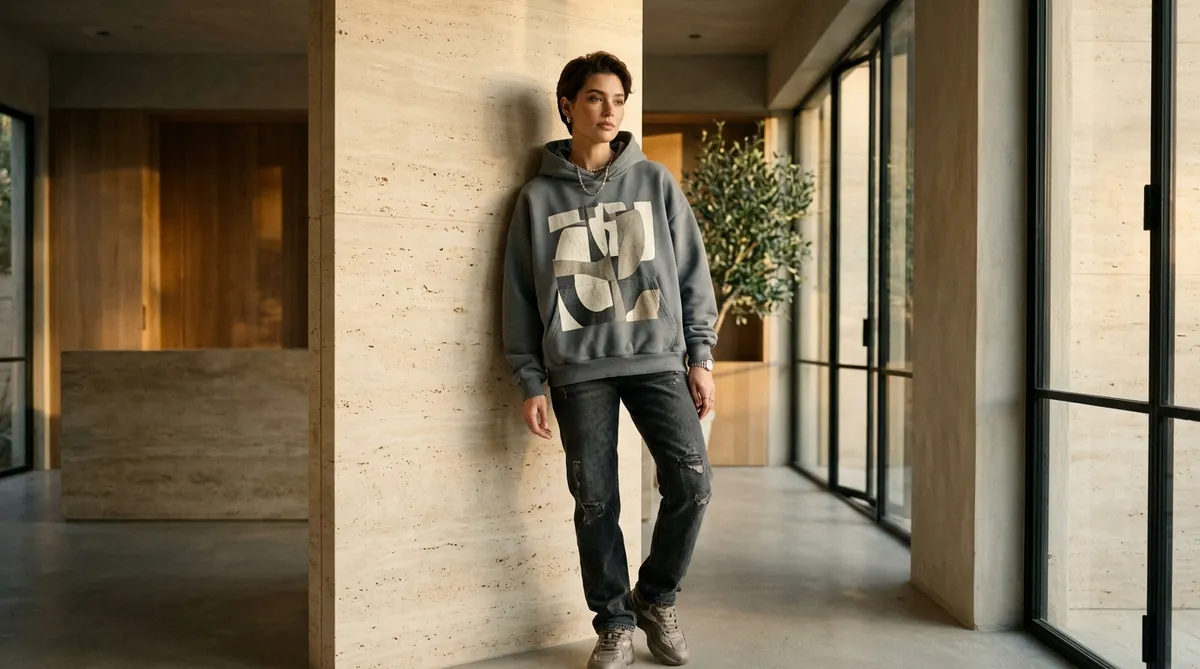
Sunlit modern lofts, trendy coffee shops, executive boutique offices, and luxury living rooms.
Outdoor & Nature
Chic Soho sidewalks, Mediterranean beaches, lush botanical gardens, and scenic mountains.
Multi-Channel Ratios
Export 1:1 square for Shopify product cards, 4:5 for Instagram feeds, 9:16 for TikTok/Reels, and 16:9 for banners.
How It Works: From Flat Lay to Live Store in 3 Steps
Upgrading your catalog from flat supplier shots to editorial model photography takes under 2 minutes:
Step 1: Install SocialShot on Shopify — Head to SocialShot AI Studio on Shopify and connect it with your store.
Step 2: Upload Your Flat Lay or Hanger Photo — Select any product from your Shopify inventory or upload a clean photo of your garment taken with a phone.
Step 3: Choose Your Model & Environment — Select from 24 global AI models (or upload your custom model) and pick your backdrop aesthetic. Click Generate and push the on-model imagery directly to your Shopify product page.
Frequently Asked Questions
Can I use basic smartphone photos of clothes on hangers?
Yes. You don't need a professional camera. A clear, well-lit smartphone photo of your garment on a hanger or laid flat is all SocialShot needs to generate photorealistic on-model shoots.
Will my garment's brand logos and graphics stay sharp?
Yes. SocialShot's Strict Garment Preservation engine locks prints, logos, embroidery, and typography, preventing distortion or blurring.
Can I use male and female models for unisex collections?
Yes. You can filter between 12 male and 12 female models across 12 nationalities with a single click to generate both men's and women's looks from the same item.
Do generated images include commercial licenses?
Yes. All images created through SocialShot AI Studio include 100% commercial rights for use across Shopify storefronts, digital ads, lookbooks, and print catalogs.
How does SocialShot sync with my Shopify product pages?
SocialShot AI Studio connects directly to your Shopify Admin. You can select products from your catalog and push generated on-model photos straight to your product media gallery with one click.
Final Thoughts
Flat-lays and hanger shots no longer cut it in today's visual-first fashion marketplace.
With SocialShot AI Studio, you can dress 24 diverse global models in your garments, preserve every seam and texture, and give your Shopify store the luxury editorial presence it deserves.
Install SocialShot on Shopify today and turn flat apparel into high-converting on-model showcases.
Explore Free Creative AI Tools on SocialShot
Boost your store conversions with our free browser-based tools:
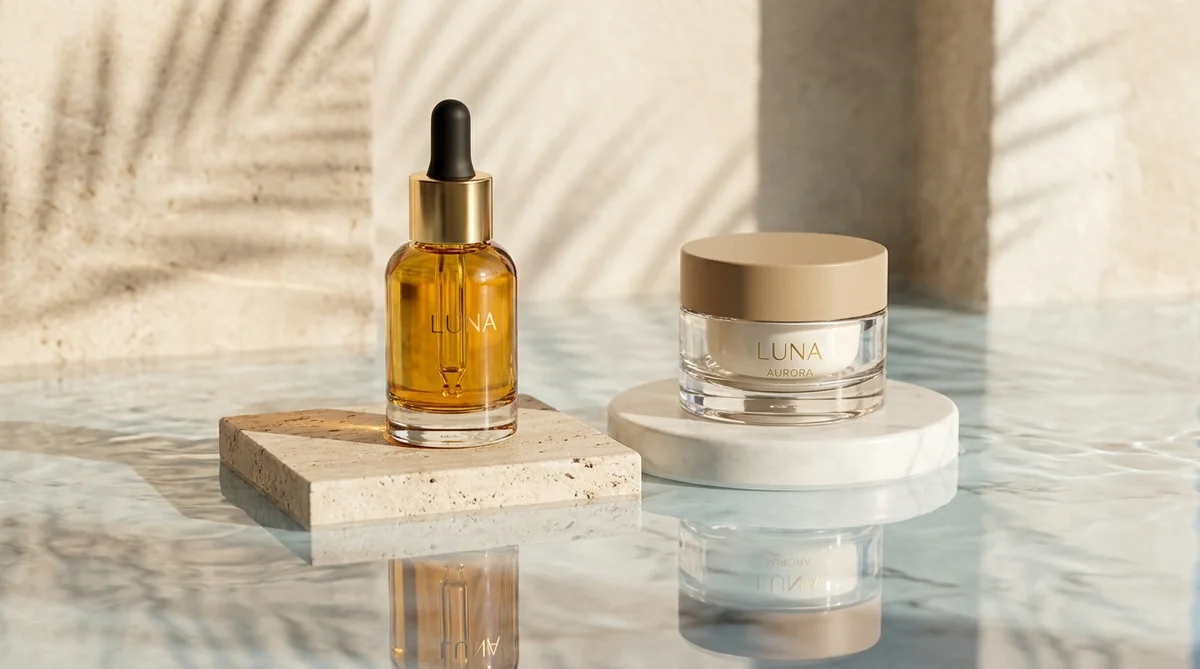
Studio-grade product shots with 23+ camera angles, marble pedestals, and natural lighting.
Turn 1 fashion photo into 100+ high-fashion poses and multi-angle catalog lookbooks.
Dress diverse, photorealistic AI fashion models with zero expensive photoshoots.
Generate physics-accurate contact and drop shadows for transparent product cutouts.