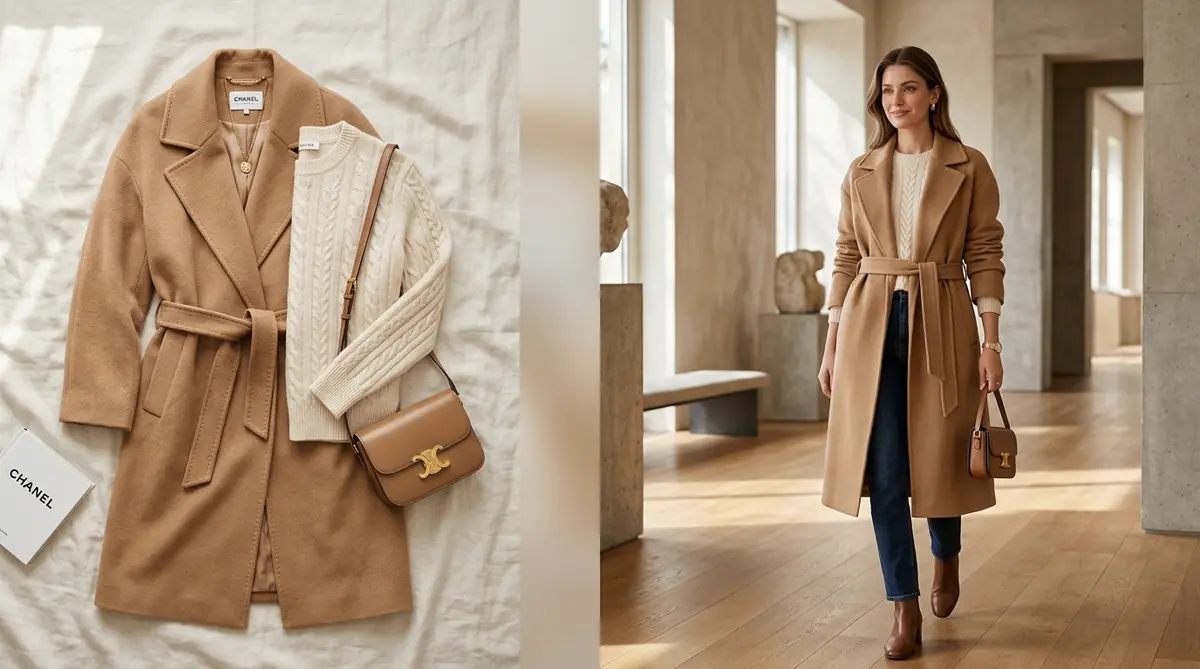
If you look at the camera roll of almost any emerging fashion founder or Shopify merchant, you will find the exact same thing: hundreds of quick photos of t-shirts, hoodies, and dresses snapped on an iPhone on the floor or hanging against a bedroom door.
The problem? While your phone camera takes great everyday snapshots, unedited smartphone flat lays look like garage sale listings on a Shopify storefront. Online shoppers hesitate to pay $80 or $120 for clothing when the photo looks like it was taken on a living room rug.
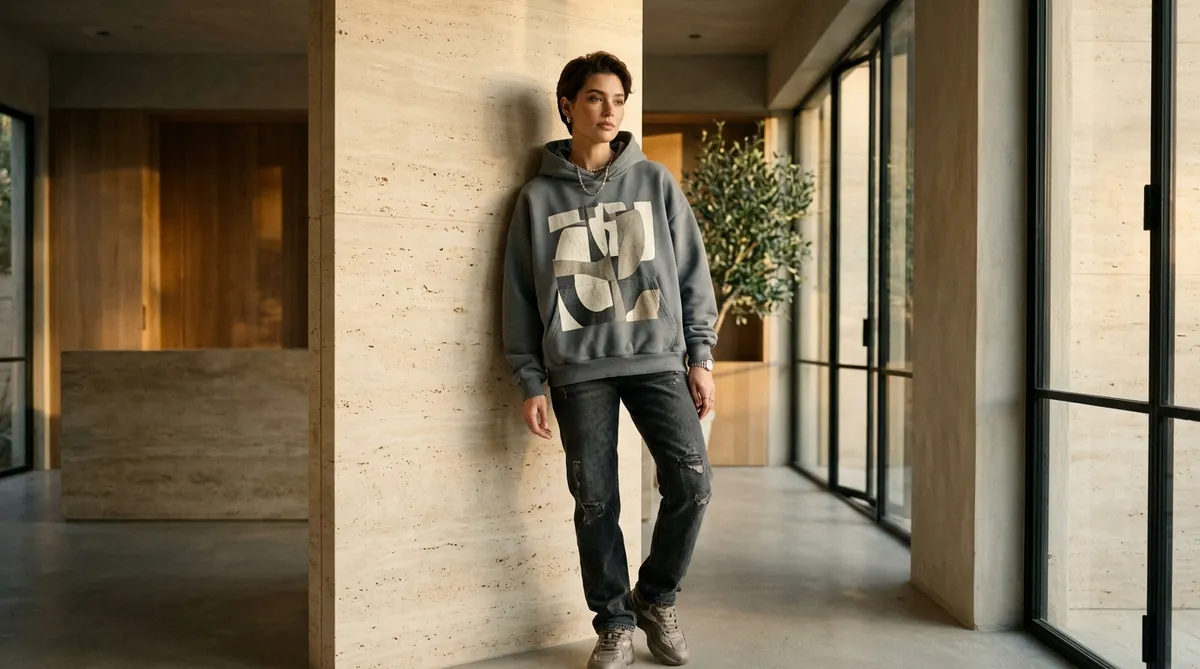
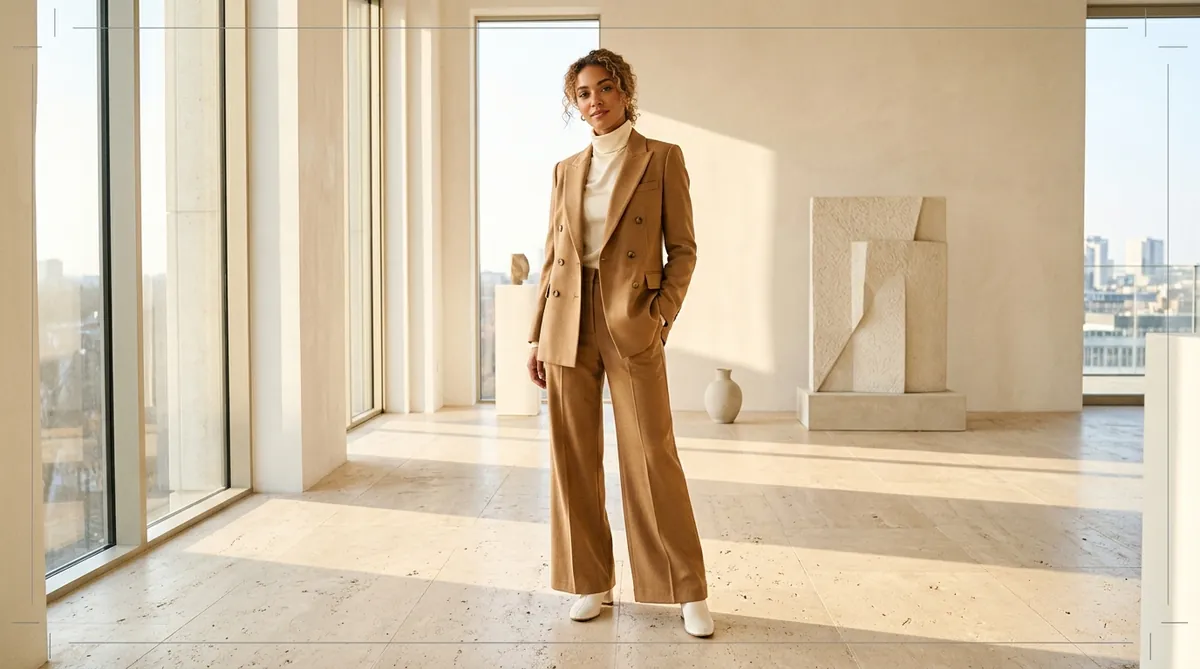
With SocialShot AI Studio on Shopify, you don't need a $3,000 camera or an expensive photography crew. You can now take a simple 5-second smartphone flat lay and instantly transform it into a luxury on-model studio photoshoot—complete with 24 diverse global models, editorial backdrops, and 100% fabric accuracy.
How It Works: From Flat Lay to 100+ Studio Poses
Transform flat lays, hanger photos, or single model shots into a complete multi-angle commercial lookbook in under 2 minutes.
Upload Raw Photo
Snap a smartphone flat lay, hanger photo, or single model shot on any background.
Select Poses & Models
Pick from 100+ natural poses, diverse photorealistic models, and editorial studio lighting angles.
Export 4K Lookbook
Download high-res assets formatted for Shopify galleries (1:1), Meta feeds (4:5), and TikTok (9:16).
The Smartphone Ceiling: Why Raw Phone Snaps Hurt Brand Perception
Smartphone cameras have incredible megapixels, but lighting, composition, and human context dictate e-commerce conversions:
The 'Bed & Rug' Trap
Shooting garments on beds, hardwood floors, or rugs triggers sub-conscious doubts about brand legitimacy and garment cleanliness.
Zero Drape or Silhouette
A flat phone photo hides how the fabric stretches, flows, or cinches at the waist—leading to cart abandonment.
Harsh Ambient Lighting
Uneven ambient lighting from indoor lightbulbs casts yellow tints and ugly shadows that distort real garment colors.
The Expensive Alternative
Professional e-commerce photographers charge $50 to $150 per finished photo—a barrier that kills early margin.
From 5-Second Phone Snap to Luxury On-Model Shoot
How does SocialShot turn a raw phone photo into a high-fashion editorial visual? Our neural pipeline isolates the garment and maps it onto anatomical 3D models:
The 4-stage neural transformation workflow:
- 1. Clean Edge & Texture Isolation: Automatically isolates the garment from your background (even if shot on a bed or rug) and extracts the exact weave, seams, and color profile.
- 2. Virtual Model Casting: Select from 24 global AI models (American, British, Bangladeshi, Japanese, Korean, French, Nigerian, etc.) or upload your own model face.
- 3. Organic Draping & Gravity Simulation: The AI models real fabric weight—producing realistic tension creases across the chest, natural sleeve drape, and natural waist taper.
- 4. Commercial Studio Lighting & Shadow Engine: Renders diffused, professional softbox lighting with organic floor bounce and natural contact shadows.
3 Golden Rules for Shooting Smartphone Flat Lays for AI
You don't need fancy gear, but following these three simple tips with your phone will give you the most photorealistic AI results:
1. Shoot Directly Overhead
Hold your phone parallel to the garment at a 90-degree angle to avoid distorted perspective lines.
2. Use Natural Daylight
Position your garment near a window during daylight hours. Turn off indoor yellowish overhead bulbs.
3. Smooth Out Major Folds
Give the garment a quick steam or hand-smooth the fabric so buttons, collars, and seams are clearly visible.
4. Capture at 1x Zoom
Use your phone's primary lens (1x) rather than ultra-wide (0.5x) to maintain crisp fabric grain and sharp logos.
Economics: Raw Smartphone Flat Lay vs. SocialShot AI Shoot
Here is the practical impact on store performance when you upgrade your phone flat lays into on-model shoots:
| Store Factor | Raw Smartphone Flat Lay | SocialShot AI On-Model Shoot |
|---|---|---|
| Customer Perceived Value | Wholesale / Commodity / Dropship | Curated Luxury Boutique / Designer Label |
| Average Conversion Rate (CVR) | 1.1% – 1.6% | 2.7% – 4.1% (+35% to +47% lift) |
| Production Equipment Needed | Smartphone only | Smartphone only (Zero extra equipment) |
| Time Required per Item | 5 minutes | Under 60 seconds |
| Cost per Final On-Model Asset | $0 (low conversion) | Pennies per SKU with instant credit packs |
How to Convert Your Phone Photos on Shopify in 3 Steps
You can upgrade your entire Shopify catalog from your phone in under 2 minutes:
Step 1: Install the Shopify App — Add SocialShot AI Studio on Shopify to your store.
Step 2: Upload Your Phone Flat Lay — Pick an existing product image from your Shopify catalog or upload a photo directly from your smartphone.
Step 3: Select Your Model & Generate — Choose from 24 global male and female models, pick your pose (walking, sitting, power stance), and choose your backdrop. Click Generate Batch and push the luxury editorial images straight to your live Shopify product page.
Frequently Asked Questions
Can I literally use photos taken on my living room floor?
Yes. SocialShot's edge-detection engine isolates your garment from whatever surface you placed it on—wood floors, bedsheets, or tables—and places it cleanly onto a professional virtual model.
Do I need an iPhone Pro or professional camera?
No. Any modern smartphone (iPhone, Samsung, Google Pixel, etc.) provides more than enough clarity and resolution for SocialShot to extract fabric textures and construct studio-grade visuals.
Will my garment's exact color stay accurate?
Yes. SocialShot's Strict Garment Preservation engine locks color hex values, stitching, patterns, and button details so the generated on-model photos represent the physical product 100% accurately.
Can I generate both male and female model photos from one phone shot?
Yes. For unisex streetwear, oversized tees, hoodies, or caps, you can generate both male and female model shoots from the exact same flat-lay photo with one click.
How does SocialShot publish to my Shopify store?
SocialShot AI Studio connects directly to your Shopify Admin. You can select products from your catalog and sync generated on-model photos straight to your product media gallery with one click.
Final Thoughts
You don't need a five-figure photography budget to build a seven-figure fashion brand on Shopify.
With your smartphone and SocialShot AI Studio, you have everything you need to turn simple 5-second flat lays into world-class editorial model shoots.
Install SocialShot on Shopify today and transform your mobile photos into high-converting storefront showcases.
Explore Free Creative AI Tools on SocialShot
Boost your store conversions with our free browser-based tools:
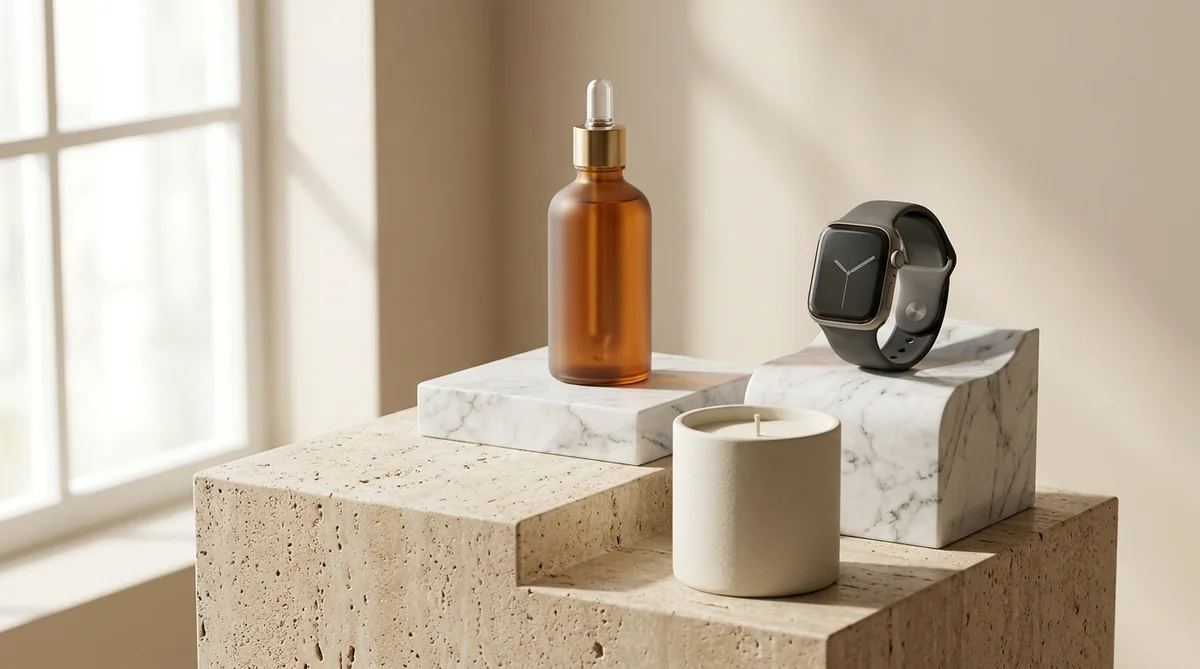
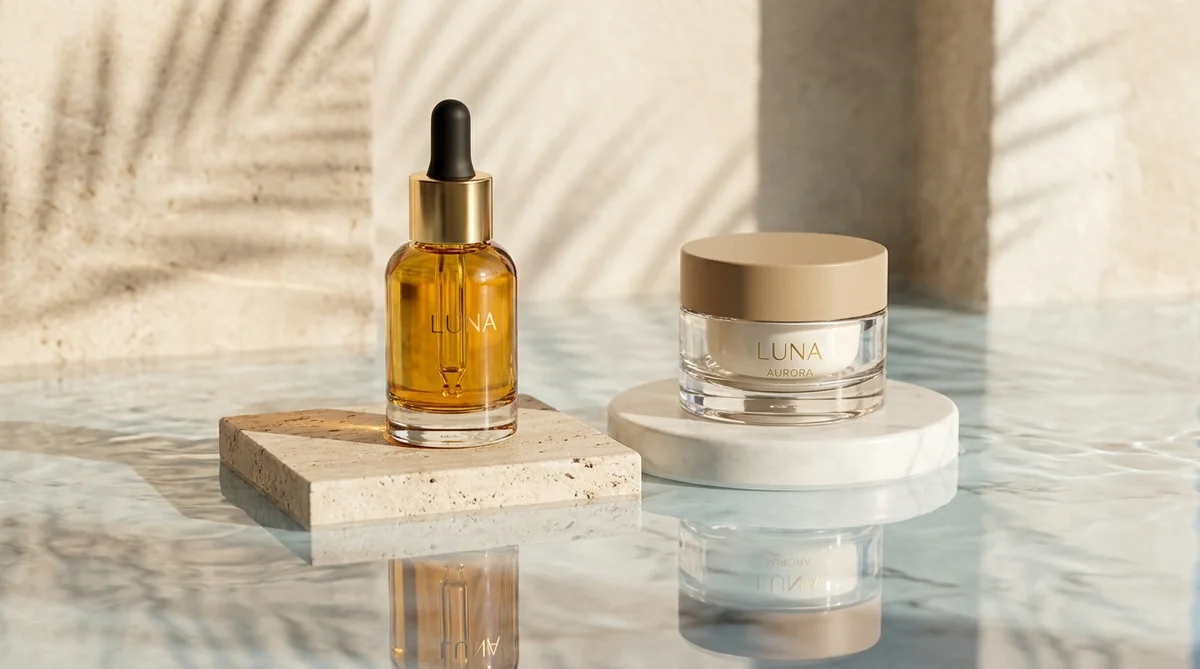
Studio-grade product shots with 23+ camera angles, marble pedestals, and natural lighting.
Turn 1 fashion photo into 100+ high-fashion poses and multi-angle catalog lookbooks.
Dress diverse, photorealistic AI fashion models with zero expensive photoshoots.
Generate physics-accurate contact and drop shadows for transparent product cutouts.