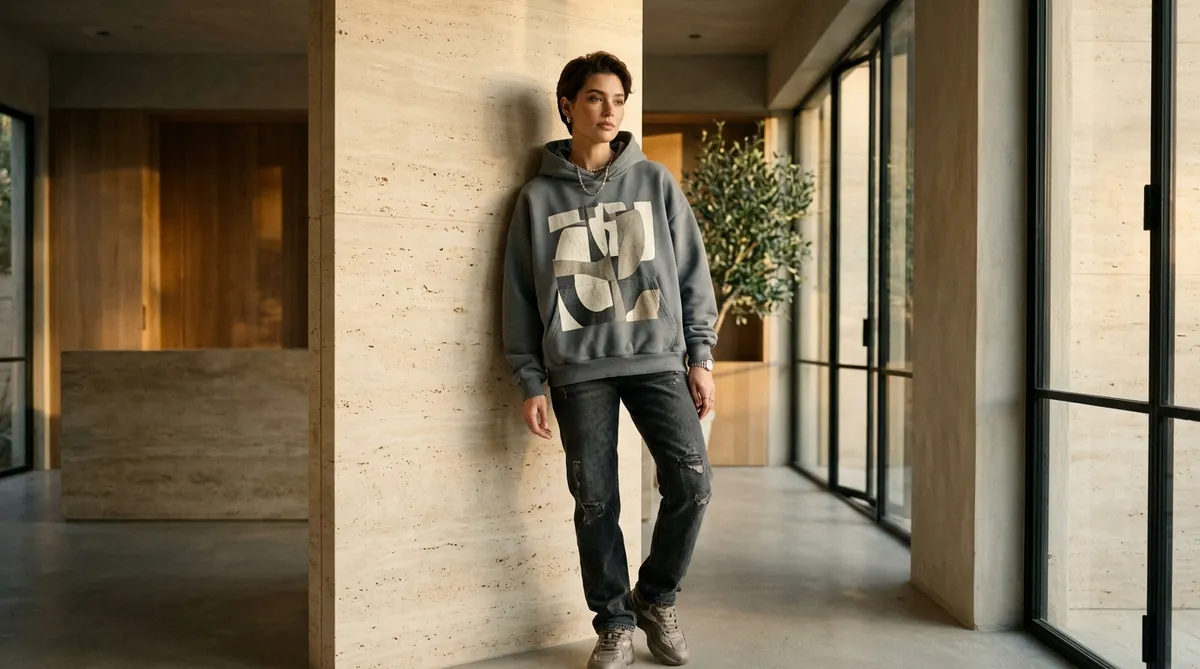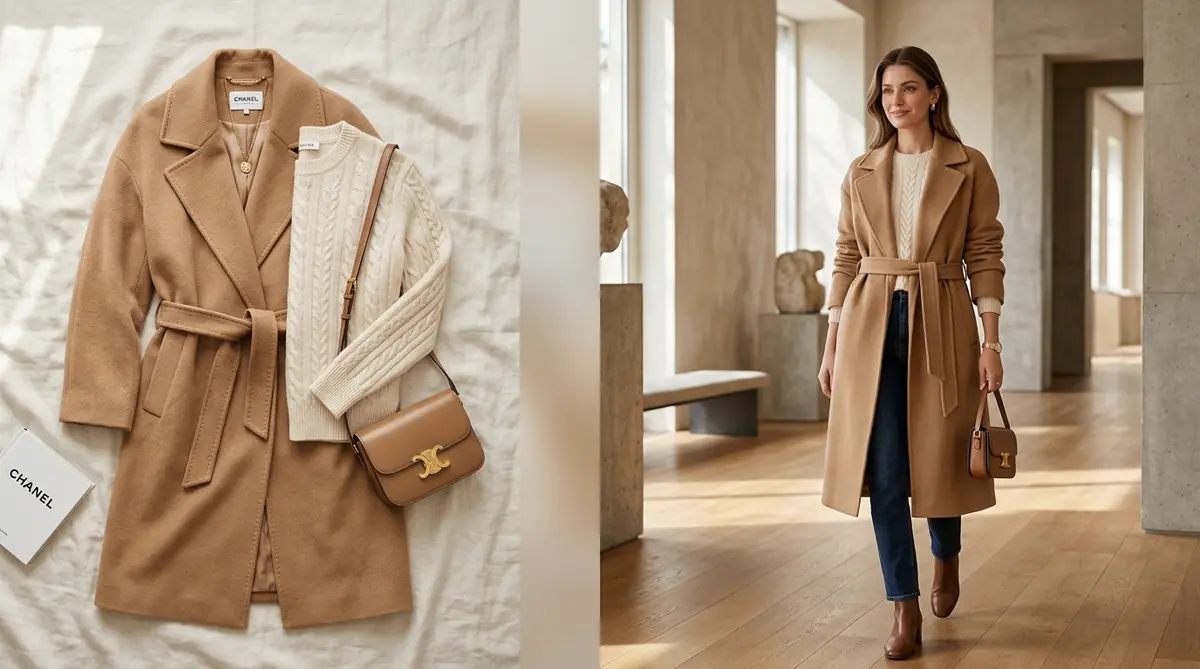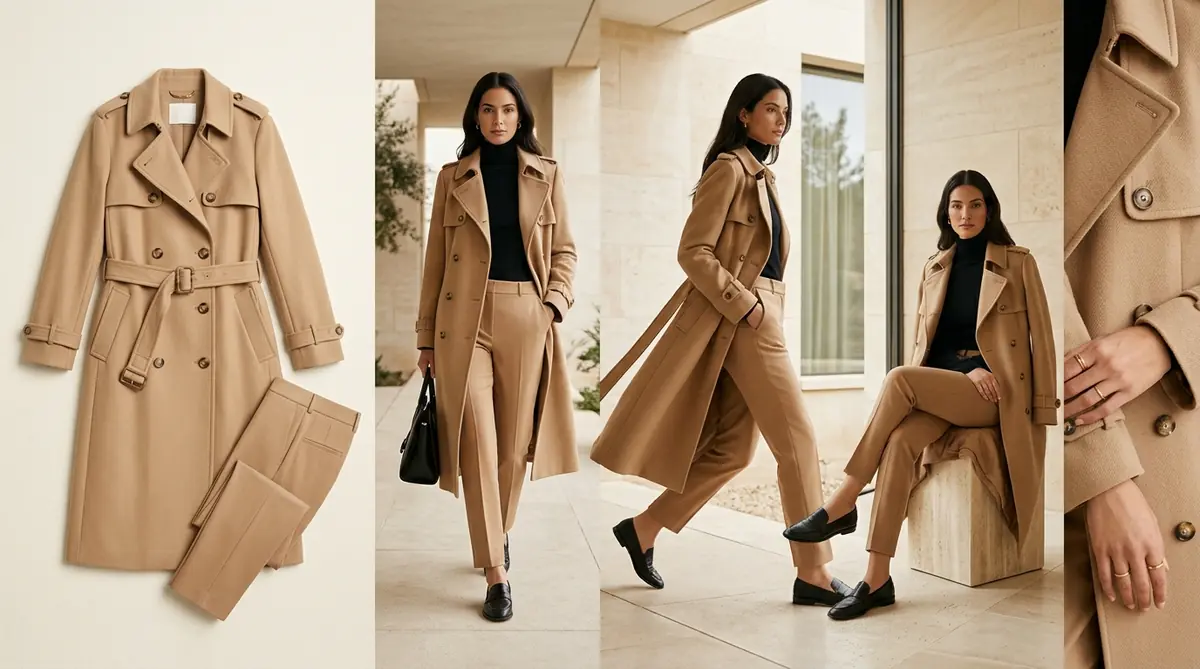
In luxury and designer fashion, clothing isn't just fabric stitched together—it's emotion, silhouette, and movement. Yet walk through thousands of Shopify apparel stores, and you will see the exact same mistake: flat-lay photos, lifeless ghost mannequins, or a single stiff catalog shot.
When shoppers cannot touch the fabric, feel its weight, or see how a hemline flares in motion, their imagination stalls—and with it, their willingness to checkout. E-commerce usability data reveals that editorial-grade product pages with multi-angle lookbooks generate 2.4× longer dwell times and up to a 47% higher conversion rate.
With SocialShot AI Studio on Shopify, boutique apparel brands and fashion designers no longer need $5,000 photoshoots to build runway-caliber visual galleries. In under 60 seconds, you can take a single flat photo and generate a full, magazine-grade editorial lookbook with flawless model consistency and zero fabric distortion.
How It Works: From Flat Lay to 100+ Studio Poses
Transform flat lays, hanger photos, or single model shots into a complete multi-angle commercial lookbook in under 2 minutes.
Upload Raw Photo
Snap a smartphone flat lay, hanger photo, or single model shot on any background.
Select Poses & Models
Pick from 100+ natural poses, diverse photorealistic models, and editorial studio lighting angles.
Export 4K Lookbook
Download high-res assets formatted for Shopify galleries (1:1), Meta feeds (4:5), and TikTok (9:16).
The Death of Flat-Lays: Why Static Product Photos Kill High-End Appeal
Online apparel shoppers don't buy garments in a vacuum; they buy how clothing looks and feels on an actual human body. Relying on flat-lays or ghost mannequins introduces severe friction into your conversion funnel:
Flat-Lays Hide the Drape
Garments laid flat on a table collapse under their own weight. Shoppers cannot evaluate waist taper, shoulder drop, sleeve curvature, or leg flare.
Ghost Mannequins Feel Robotic
Hollow-mannequin cutouts look clinical and dated. Modern consumers buy lifestyle aspiration, not plastic torso outlines.
Damaged Perceived Value
Flat imagery communicates cheap wholesale dropshipping, forcing brands into race-to-the-bottom price discounting rather than commanding premium prices.
Buyer Hesitation & Return Loops
When shoppers guess fit from a single angle, over 60% of returns occur because the physical garment looks different from the static listing photo.
The 6-Angle Visual Architecture of a 7-Figure Shopify Lookbook
Top luxury fashion retailers (like Net-a-Porter, Zara, and SSENSE) don't capture random poses—they follow a deliberate 6-angle visual sequence designed to guide the shopper from curiosity to checkout:
1. The Hero Power Stance (Full Front)
Establishes immediate silhouette, total length, and overall proportions as the primary PDP hero card.
2. The Kinetic Stride (Walking in Motion)
Reveals fabric flow, trouser crease, and natural garment movement—answering *how does this feel when I move?*
3. The Seated Silhouette (Stool or Cube)
Demonstrates comfort, crease resistance, and how the garment adapts to sitting in an office or dinner setting.
4. The 3/4 Side Profile
Spotlights side tailoring, armhole cuts, bust shaping, and silhouette depth that flat angles hide completely.
5. The Architectural Back Profile
Essential for garments with back embroidery, hoods, pleats, zipper tracks, or backless cuts.
6. The Macro Craftsmanship Detail
Extreme close-up on collar lapels, button stitching, texture grain, and lining quality to justify premium pricing.
Static Catalog Shots vs. Multi-Angle Editorial Lookbooks
Here is how flat product photography compares directly to a multi-angle editorial lookbook in driving store performance:
| Performance Metric | Static Flat-Lay / Ghost Mannequin | SocialShot Multi-Angle Editorial Lookbook |
|---|---|---|
| Average Conversion Rate (CVR) | 1.2% – 1.8% | 2.8% – 4.2% (+47% lift) |
| Average PDP Dwell Time | 18 to 25 seconds | 52 to 75 seconds (2.4x longer) |
| Customer Return Rate | 25% to 32% (High fit hesitation) | Under 16% (Clear draping expectation) |
| Perceived Brand Value | Commodity wholesale aesthetic | Luxury boutique / Designer positioning |
| Production Turnaround | Manual studio setup: 2 to 3 weeks | Under 60 seconds directly inside Shopify |
How to Launch Your Multi-Angle Lookbook in 3 Simple Steps
Elevating your Shopify storefront from boring flat-lays to high-fashion lookbooks takes less than 2 minutes:
Step 1: Install the Shopify App — Add SocialShot AI Studio on Shopify to your storefront. It links securely with your live inventory in one click.
Step 2: Upload or Select Your Garment — Select any product from your catalog or upload a clean front photo. Choose up to 10 poses from the visual category selector (e.g., 1 power stance, 1 walking, 1 stool sit, 1 back profile, 1 macro detail) and select your luxury backdrop.
Step 3: 1-Click Publish to Live Gallery — Hit Generate. In under a minute, review your editorial lookbook assets and sync them directly to your live product page.
Frequently Asked Questions
Can I transform a flat-lay or hanger photo into on-model poses?
Yes. SocialShot AI Studio can take flat garment shots, hanger photos, or basic supplier images and naturally drape them onto realistic, high-fashion models in dynamic studio poses.
Can I maintain the same model look across my entire store?
Yes. SocialShot's Identity Lock keeps your chosen model's facial structure, skin tone, and hair texture consistent across every product page, giving your Shopify store a unified brand aesthetic.
How does an editorial lookbook increase average order value (AOV)?
By presenting garments in realistic lifestyle and motion settings, shoppers visualize complete outfits and lifestyle aspiration rather than just an isolated piece, encouraging multi-item cart additions.
Do generated images look authentic or visibly AI-generated?
SocialShot's proprietary engine calculates realistic fabric physics, seam curvature, ambient bounce lighting, and skin texture, producing images indistinguishable from high-end studio photography.
How does SocialShot sync with my Shopify theme?
SocialShot AI Studio connects directly to your Shopify Admin. You can publish generated lookbook images directly into your product media gallery with a single click—no manual file downloading or re-uploading required.
Final Thoughts
Your product photography is the single biggest factor dictating whether a visitor perceives your Shopify store as a luxury boutique or a generic dropshipper.
By replacing flat, lifeless shots with a rich multi-angle editorial lookbook, you captivate shoppers, eliminate fit hesitation, and unlock higher conversion rates.
Install SocialShot AI Studio on Shopify today and turn your apparel catalog into an editorial masterpiece.
Explore Free Creative AI Tools on SocialShot
Boost your store conversions with our free browser-based tools:
Studio-grade product shots with 23+ camera angles, marble pedestals, and natural lighting.
Turn 1 fashion photo into 100+ high-fashion poses and multi-angle catalog lookbooks.
Dress diverse, photorealistic AI fashion models with zero expensive photoshoots.
Generate physics-accurate contact and drop shadows for transparent product cutouts.